Zippy zooming off

What's new

Every upgrade we ship for creators — newest first.

  1. One product, not four features — the dashboard is now four areas
    IMPROVEDEveryone

    One product, not four features — the dashboard is now four areas

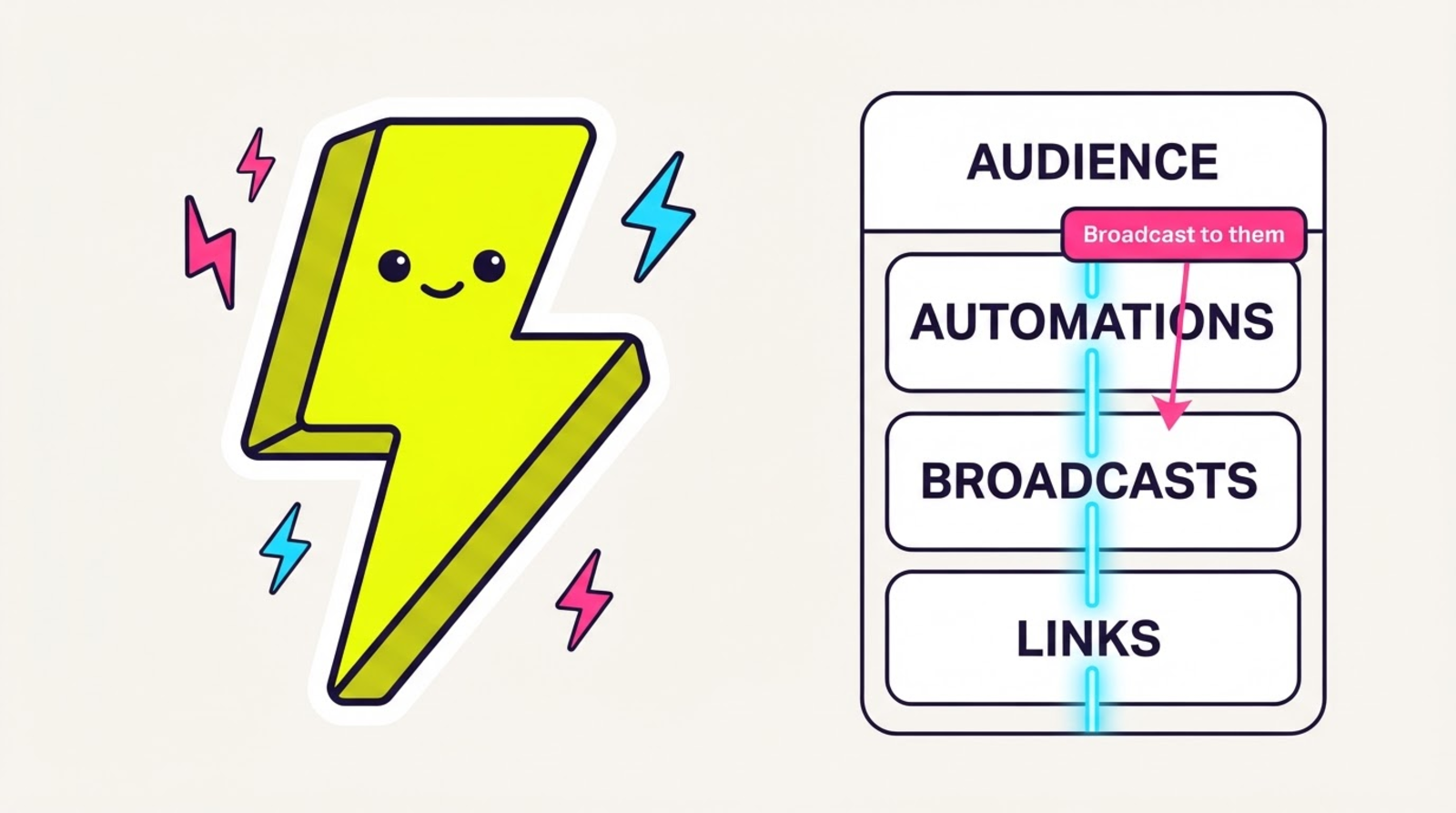
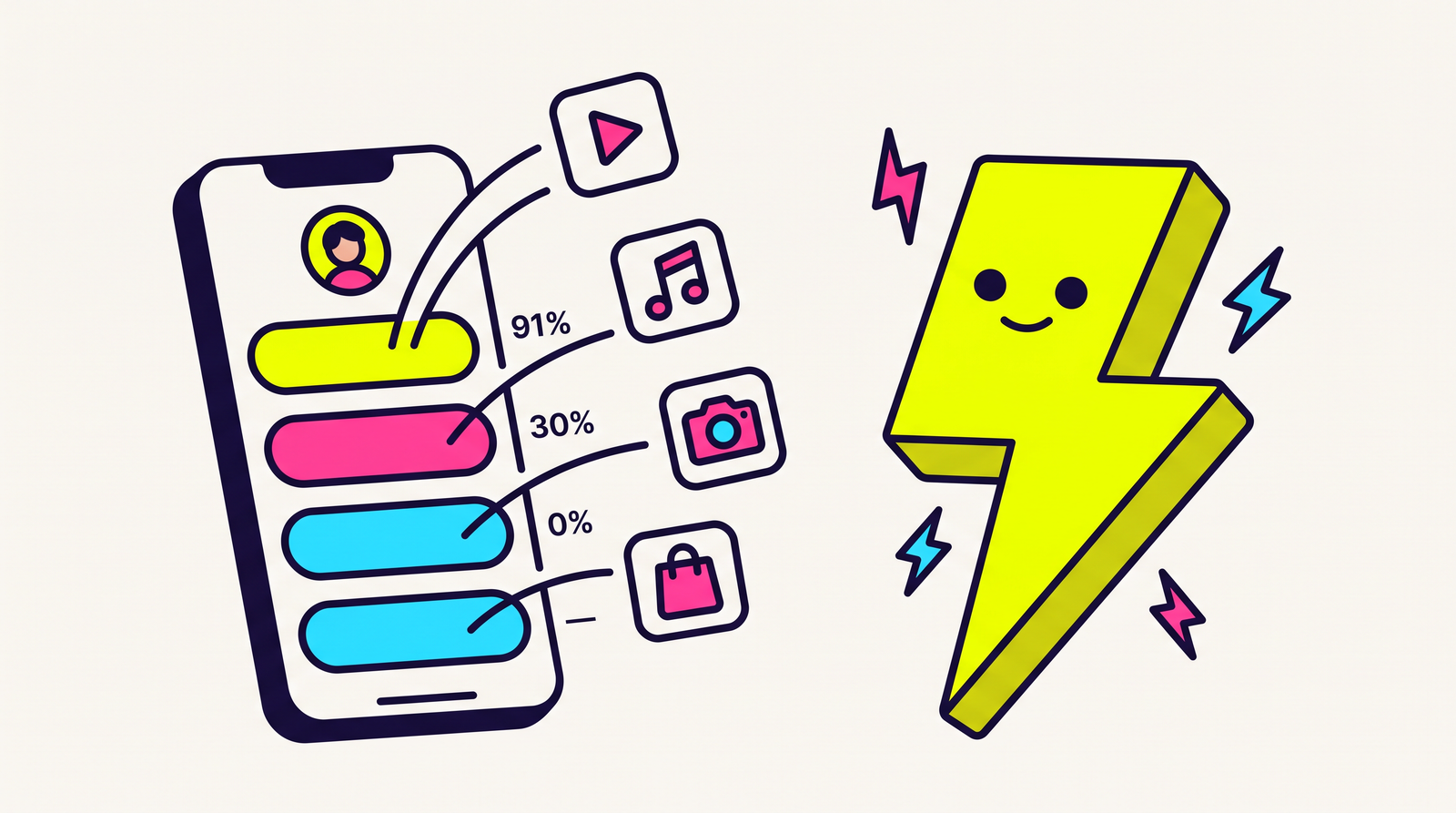
    Audience, Automations, Broadcasts, Links. Segments moved under Audience, Instagram DMs became Automations, and the connections between them are now buttons instead of a diagram — a segment is one click from a broadcast, and every contact is a page. Old bookmarks redirect.

    • Four areas in the order you actually work, with everything that's plumbing (pixels, webhooks, import, domains, team, keys, billing) moved to a Workspace group at the bottom of the sidebar.
    • Every saved segment has a “Broadcast to them” button that opens the composer already aimed at that audience. No re-picking it out of a dropdown.
    • Every contact is now a page: the link they joined from, the exact consent wording they agreed to, whether they're still subscribed, and every broadcast addressed to them — including the ones that were skipped, with the reason in plain language.
    • Every automation shows the people it reached and the tags it stamped on them, next to the app-open rate of the link inside the DM.
    • The contact page tells you three things it CAN'T know, instead of guessing: which links that person tapped, whether they opened the app, and whether an automation DMed them. Click data carries no identity, and Instagram never gives us an email for a DM recipient — so those joins would be wrong, and a blank space would read as “nothing happened”.
    • Your bookmarks still work: /segments now redirects to /audience/segments and /instagram to /automations, permanently. Nothing else moved, and the Instagram connect callback deliberately stayed exactly where Meta expects it.
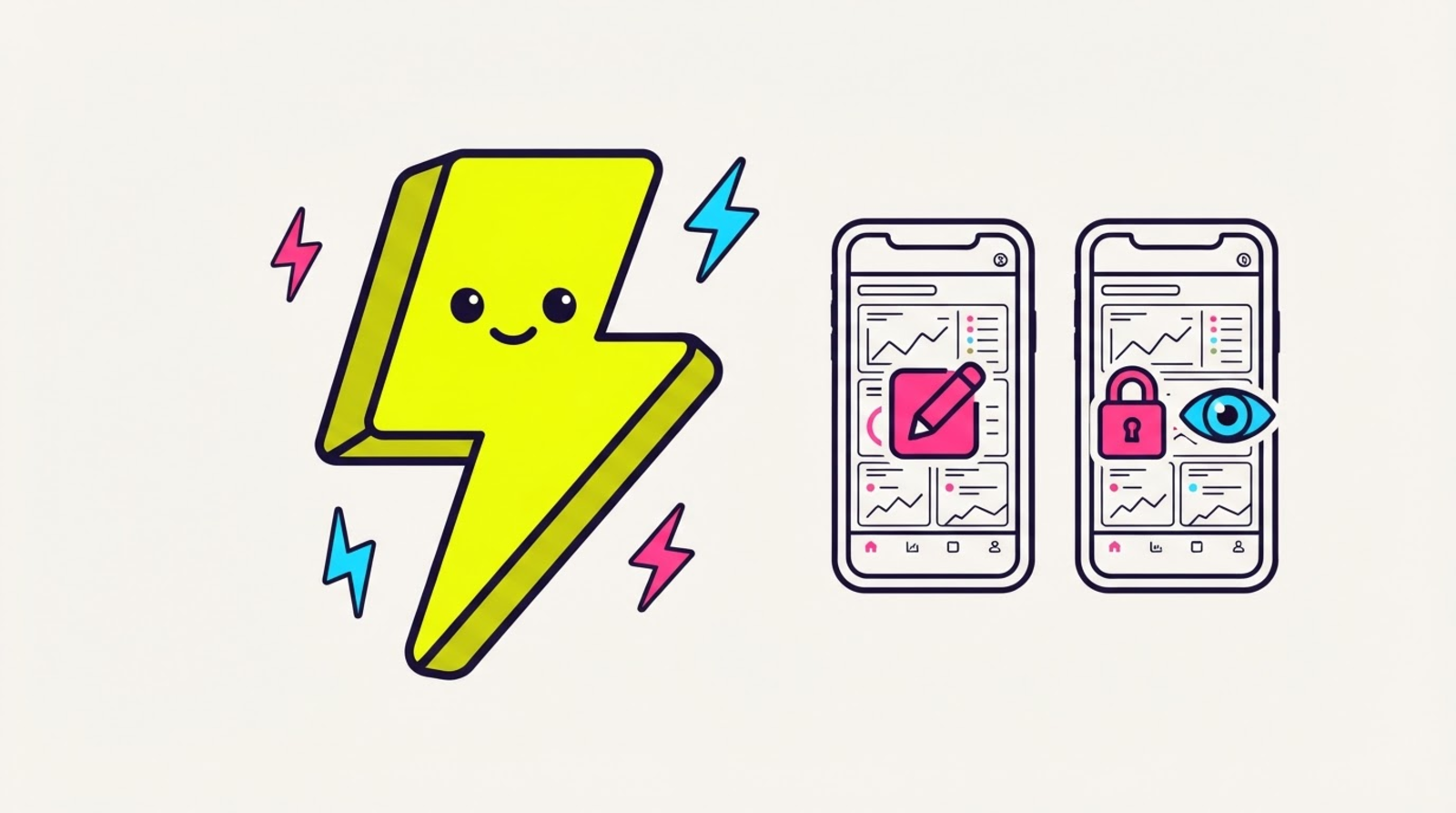
    • The phone mirrors the same four areas — my people, my DMs, my sends, my zips. Audience and Broadcasts are read-only there for now; composing stays on the web.

    Here's how it looks

    What Your sidebar looks like
  2. DM keywords, story replies and story mentions — three more ways a rule can start
    NEWLegend

    DM keywords, story replies and story mentions — three more ways a rule can start

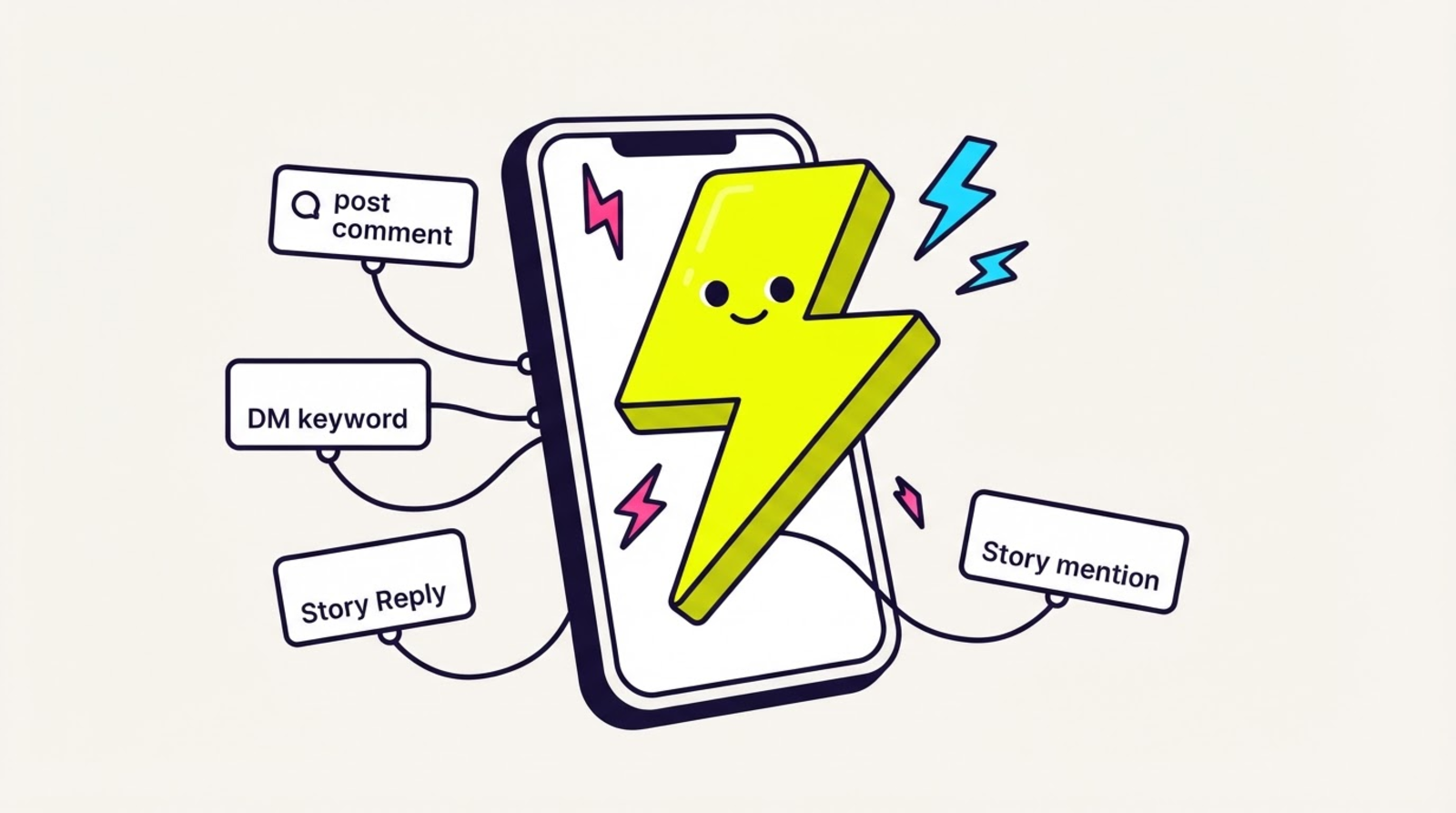
    A comment isn't the only thing worth replying to. The same rule builder now fires on a DM keyword, a story reply, or someone tagging you in their story — same live preview, same attached Zippy link, same app-open number at the end of it.

    • Four triggers, one engine: “someone comments on my post”, “someone DMs me a word”, “someone replies to my story”, “someone mentions me in their story”. Keywords match case-insensitively, up to 10 per rule, contains-or-exact — and an EMPTY keyword list is a real setting (“reply to everyone”), not a validation error.
    • Comment rules can be pinned to ONE post, so a rule listens to a single reel instead of your whole profile.
    • Instagram gives each surface a different reply window — 7 days for a comment, 24 hours for anything the person messaged you — so the same rule is allowed to send in one case and skipped in the other. Both outcomes are shown to you in plain English, never as a Meta error code.
    • Story mentions are the UGC one: they tag you, you thank them with a link, and you find out whether that link opened the real app.
    • SAME HONEST STATUS AS EVERY TRIGGER: built and tested, connectable by nobody yet — Meta's App Review hasn't been submitted. Read the built-vs-not table before you plan around it.

    Here's how it looks

    What New automation · trigger looks like
  3. Instagram DM automations — comment-to-DM that reports who opened the app
    NEWLegend

    Instagram DM automations — comment-to-DM that reports who opened the app

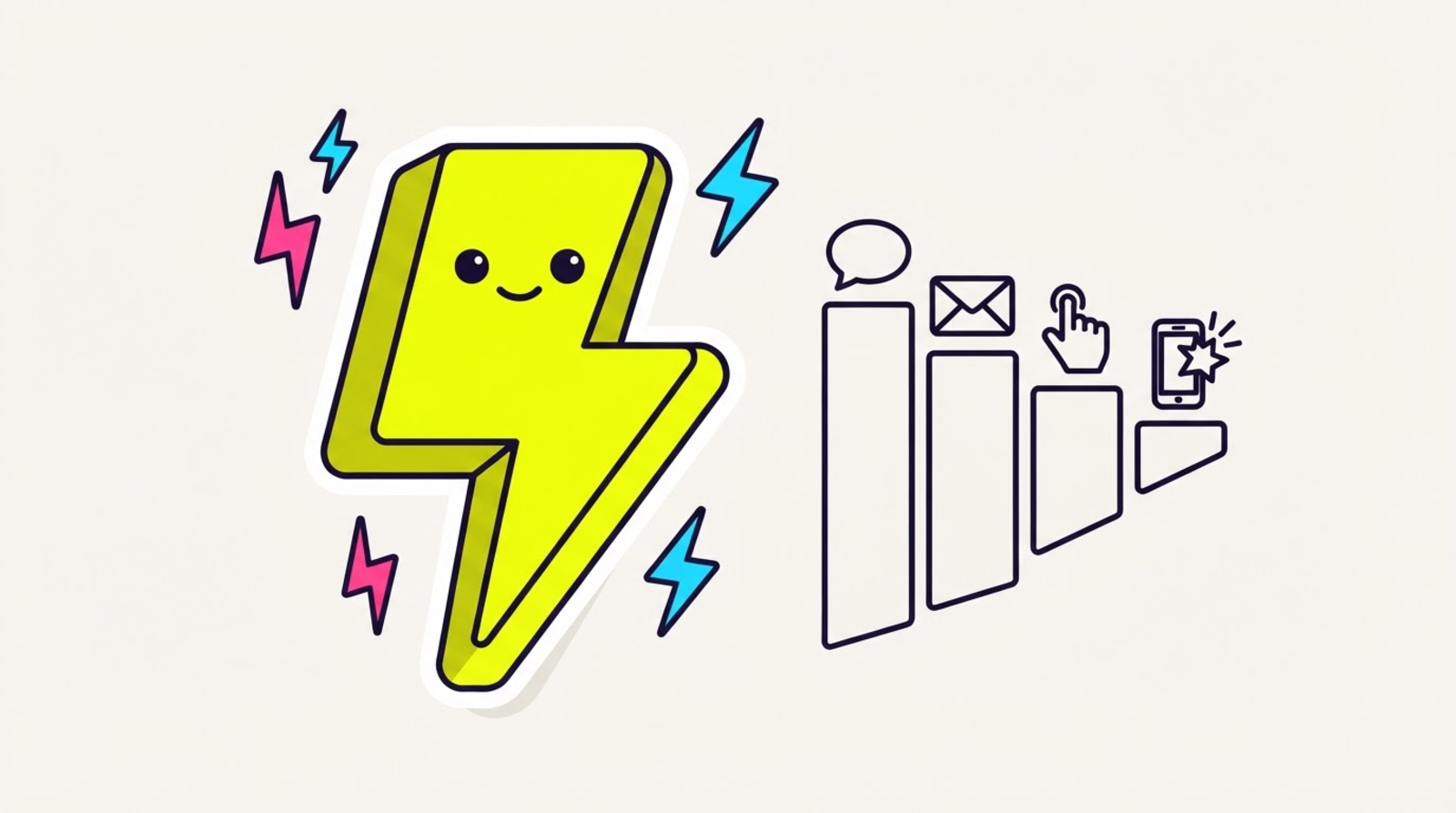
    Someone comments LINK, Zippy DMs them back. Every other tool stops there and tells you how many DMs it sent. Ours tells you how many of those people actually OPENED THE REAL APP — because the link in the DM is a Zippy link.

    • THE WEDGE, enforced in code: you can't type a link into the DM text. It's attached structurally and composed at send time, so every DM we send springs the native app AND lands its app-open outcome in the same funnel as every other Zippy link. Paste a raw URL and the rule refuses to save — and the send refuses too.
    • Rule builder with a live preview of the exact message your follower receives, rendered by the same code the server sends with — so what you see cannot drift from what goes out. Optional public reply under the comment, optional tags on everyone who answered. 25 rules per account.
    • A SKIPPED DM IS ALWAYS VISIBLE: outside Instagram's 24-hour window, comment older than 7 days, someone else already took the one allowed private reply, a live-video comment, a missing timestamp, your own rate ceiling — every one is a row in the rule's history with a plain-English reason. Nothing is silently dropped.
    • Structurally incapable of blasting: a send requires a specific person who just commented, replied, or messaged you. There is no audience parameter to fill in.
    • Your Instagram token is encrypted at rest, bound to your account so it can't be replayed on another, refreshed a week before it expires — and never readable back, not even once at creation. A lapsed connection SHOUTS “needs reconnect” and pauses; it never quietly stops.
    • NOT CONNECTABLE YET, and we're not going to bury this: there is no Meta app to connect to and App Review has not been submitted. Meta requires a working app to screencast for review, which is why it's built first. Want the same app-open outcome TODAY? Paste a Zippy link into your existing ManyChat flow — works on any plan, nothing to approve.

    Here's how it looks

    What Instagram → automation results looks like
  4. n8n — branch your automation on whether the app actually opened
    NEWLegend

    n8n — branch your automation on whether the app actually opened

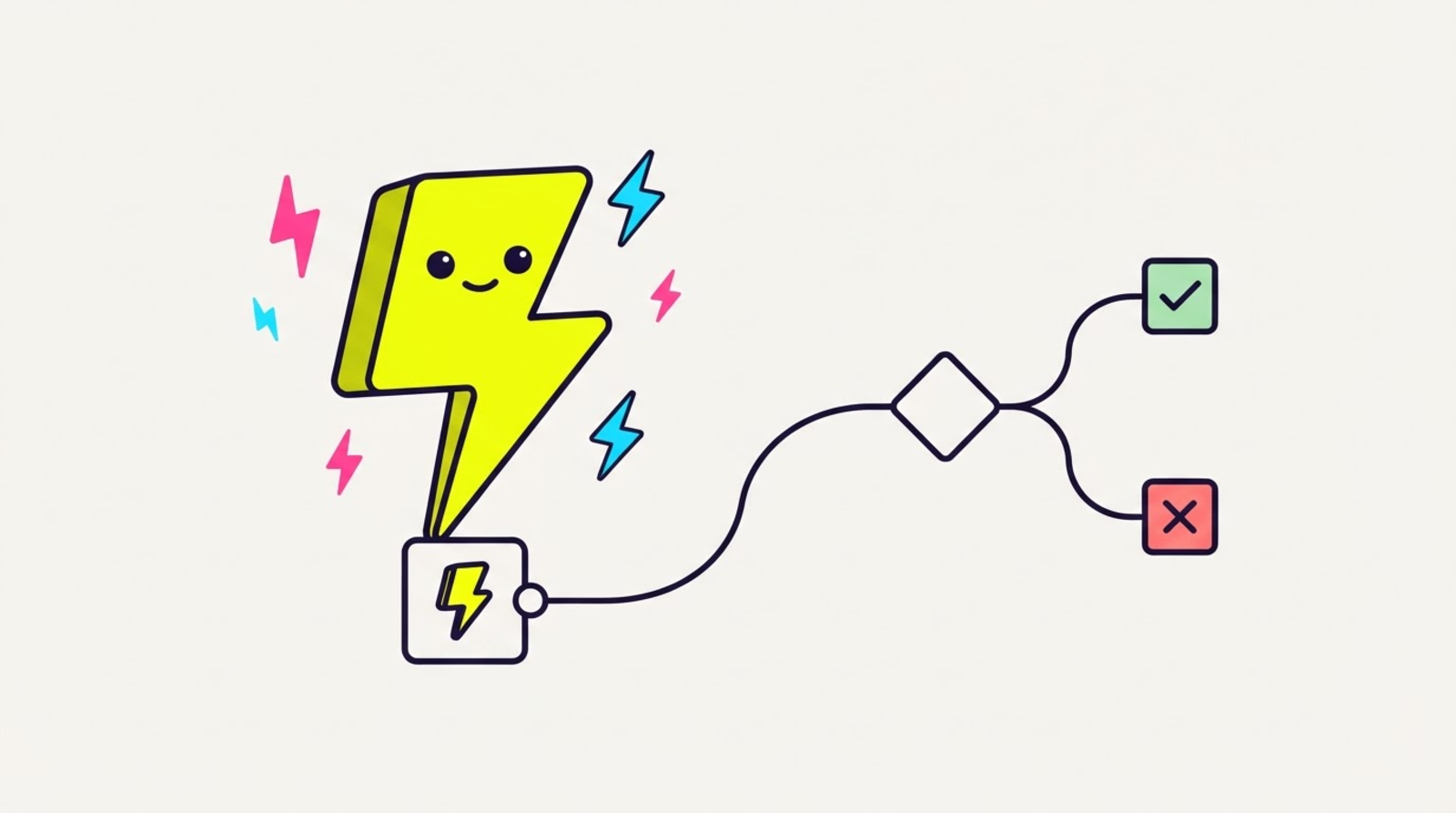
    Every other link tool's n8n trigger fires on a click and stops there. Zippy can start a workflow on the OUTCOME — the real native app opened, the tap died in an in-app browser, or the hand-off broke — so an IF node can finally route on something that means anything.

    • Works today with stock n8n, nothing to install: an HTTP Request node against `POST /v1/links` makes a link mid-workflow (read `shortUrl` off the response), and a Webhook node subscribed to `app.opened` / `app.browser` / `app.broken` starts one.
    • Branches nobody else can write: “if the last twenty taps came back `app.browser`, swap the destination and DM me.” A click trigger fires just as happily when the click accomplished nothing.
    • PUSH, NOT POLL — no Schedule trigger hitting a stats endpoint. An idle workflow makes zero requests to us, and no event falls into the gap between two polls.
    • NOT INSTALLABLE YET: the two official nodes (`Zippy` and `Zippy Trigger`) are built and tested — 47 tests, one checking every operation's route against the API's own router — but `@zippy/n8n-nodes-zippy` isn't on npm, so n8n's community-node dialog can't find it. Publishing is the remaining step. Nothing on the docs page needs them, and workflows built today keep working when they land.
    • Read the analytics honestly: rates are sampled, so branch on a trend or a whole number, never a decimal. `appOpenRate` is `null` — never `0` — when nothing has been measured, so a workflow that treats it as `0` will page you about silence.

    Here's how it looks

    What n8n · Zippy Trigger looks like
  5. ManyChat — your comment-to-DM link now opens the app, not the in-app browser
    NEWIMPROVEDFree & up

    ManyChat — your comment-to-DM link now opens the app, not the in-app browser

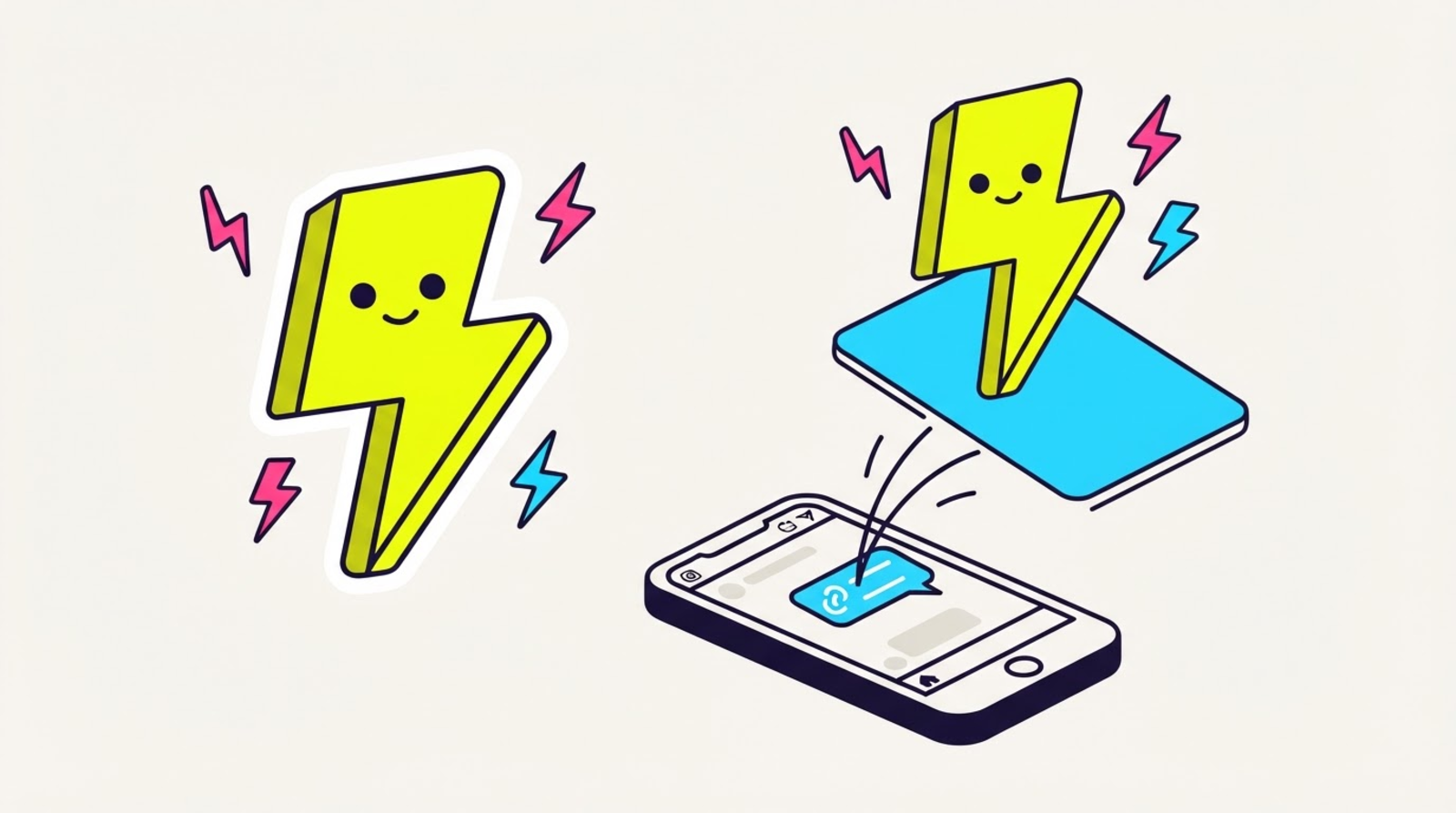
    Your automation wins the DM, then Instagram's in-app browser eats the tap. Paste a Zippy link into the flow instead and it springs the real app — plus the API now hands back a ready-to-paste link so a ManyChat External Request can generate one per campaign in a single step.

    • No connection to set up, no OAuth, no ManyChat plan requirement: swap the raw URL in your flow for a Zippy link. It's a URL — that IS the integration.
    • Every link now returns `shortUrl`, the finished URL. ManyChat maps ONE JSONPath into a custom field and can't join strings, so before this you couldn't build a link from `slug` and `hostname` on their side. Now you bind one field and you're done.
    • One External Request block against `POST /v1/links` generates a link per campaign, per broadcast, or per subscriber, and drops it straight into the next message.
    • The loop closes on the numbers you already have: a link's app-open rate tells you what share of your DM taps reached the REAL app versus died in the webview. Give each flow its own link and that becomes a per-flow answer. Rates are sampled and shown as sampled; a link nothing has been measured on says so instead of showing 0%.
    • `shortUrl` is additive — nothing that read `slug` or `hostname` changes.

    Here's how it looks

    What ManyChat → Zippy looks like
  6. The MCP server — just ask your AI assistant to do the Zippy part
    NEWLegend

    The MCP server — just ask your AI assistant to do the Zippy part

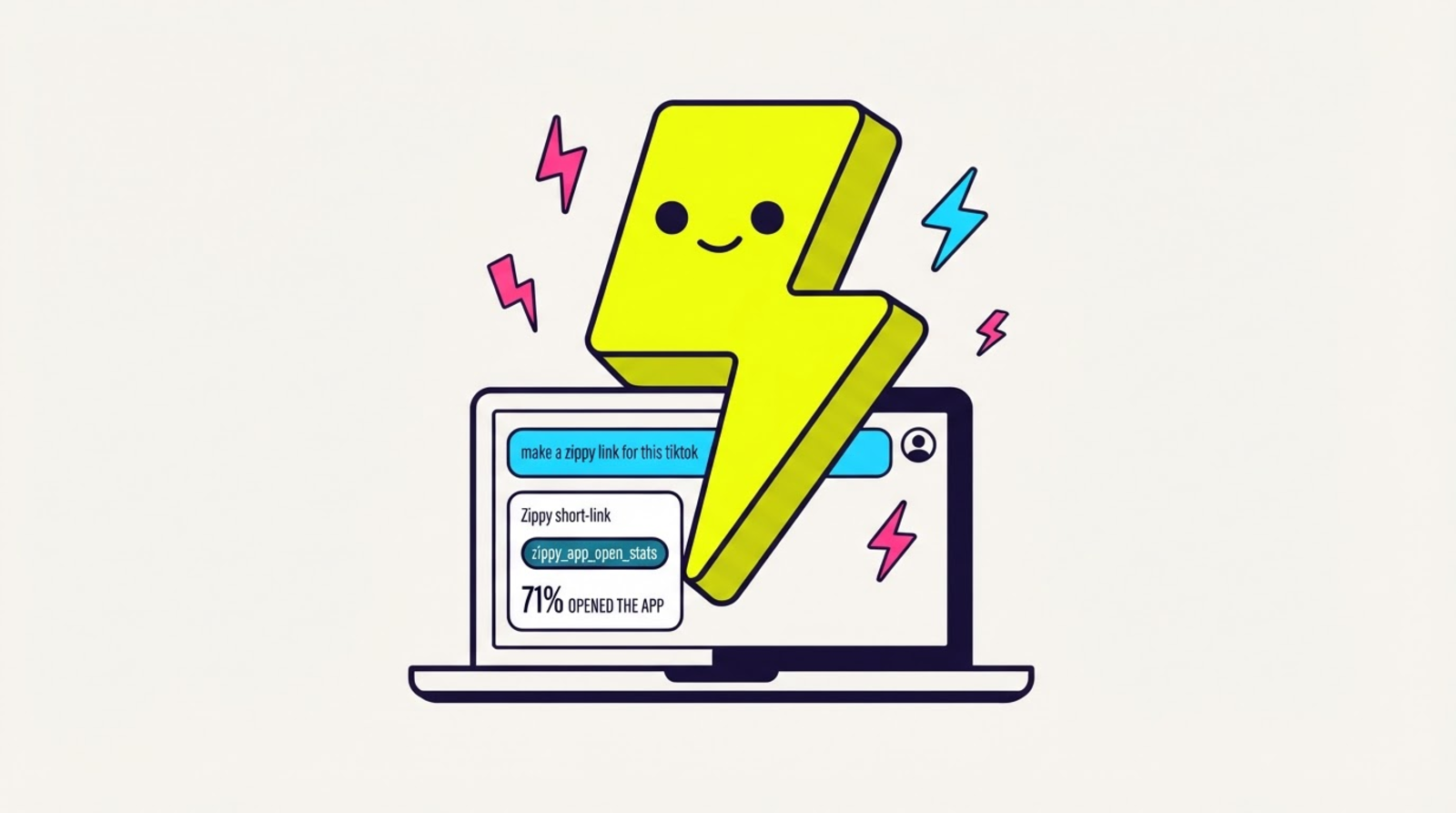
    Connect Zippy to Claude, Cursor or any MCP client and make links, check whether people are actually opening the app, compare A/B variants and edit your bio page in conversation — without opening the dashboard. Built and working; the npm package isn't out yet.

    • NOT INSTALLABLE YET: `@zippy/mcp` isn't on npm, so there's no `npx` to run today. The server is built, tested and behaves exactly as described below — publishing it is the remaining step, and this entry gets updated the day it lands.
    • Eleven tools, not all 26 endpoints — the ones you'd actually say out loud: make a link, find a link, re-point a link, is it working, which variant won, and four for your link-in-bio page.
    • The tool that matters is the one nobody else can ship: your assistant can read the share of taps that reached the REAL app, per link and per A/B variant, so it can spot a destination that wins clicks and loses app opens.
    • Honesty is built into the tools, not left to the AI: they instruct it to quote whole-number rates, and to say “no data yet” instead of inventing a 0% for a link nothing has been measured on.
    • Your key is scoped to one workspace and there is no workspace argument on any tool, so an assistant cannot act outside your account. Your plan is re-checked on every call and revoking a key cuts access on the next one.
    • The two tools that hide or replace something refuse to run until the assistant checks with you — no request even reaches Zippy without your confirmation.
    • PERMANENCE: there is no tool that can stop a link from redirecting, because there is no such endpoint. Archiving frees a plan slot and hides the link; the link keeps working.
    • Zero runtime dependencies — it runs on your laptop next to your API key, so we gave that credential no supply chain to worry about.

    Here's how it looks

    What Ask, don't click looks like
  7. The public API — automate Zippy, and branch on whether the app actually opened
    NEWLegend

    The public API — automate Zippy, and branch on whether the app actually opened

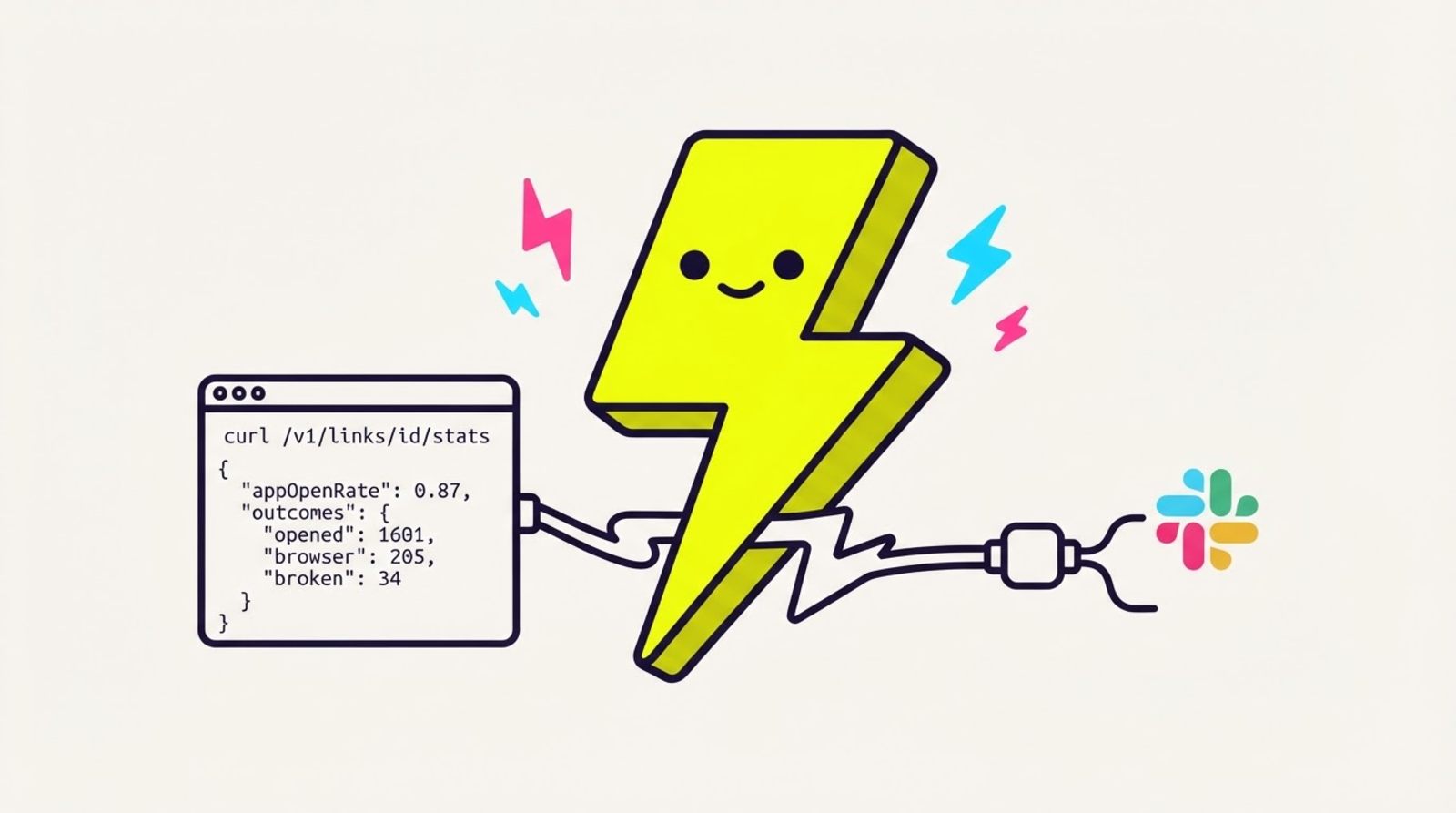
    Mint a zip_ key and drive the whole product from a script, n8n, Make or Zapier: create and edit links, read your numbers, manage your bio page and audience. Including one thing no other link API can return — the share of taps that reached the REAL app.

    • GET /v1/links/{id}/stats hands an automation appOpenRate plus the opened / browser / broken split, so “if my TikTok link drops below 70% real opens, ping Slack” is now a two-step automation. A click count could never express it.
    • Every power on the link editor is in the API: geo + device routing, A/B variants, scheduled destination swaps, UTMs, passwords, tags, folders, retargeting pixels — plus bulk create for a spreadsheet full of campaign links.
    • Sampled numbers stay honest: whole numbers, an explicit sampling note, and appOpenRate comes back null (never a fake 0%) when nothing has been measured yet.
    • Cookies are never accepted — a key and only a key gets in, and the key’s plan is re-checked on every single request, so revoking one takes effect on the next call.
    • 120 requests a minute per key with standard rate-limit headers. Polling on a timer? Use webhooks instead — they push the same app-open events the moment they happen.
    • PERMANENCE: there is no endpoint in the API that can stop a published link from redirecting. Archive frees a plan slot and hides the link; the link keeps working.

    Here's how it looks

    What GET /v1/links/{id}/stats looks like
  8. Media kit — send a brand a live link instead of a screenshot
    NEWHero & up

    Media kit — send a brand a live link instead of a screenshot

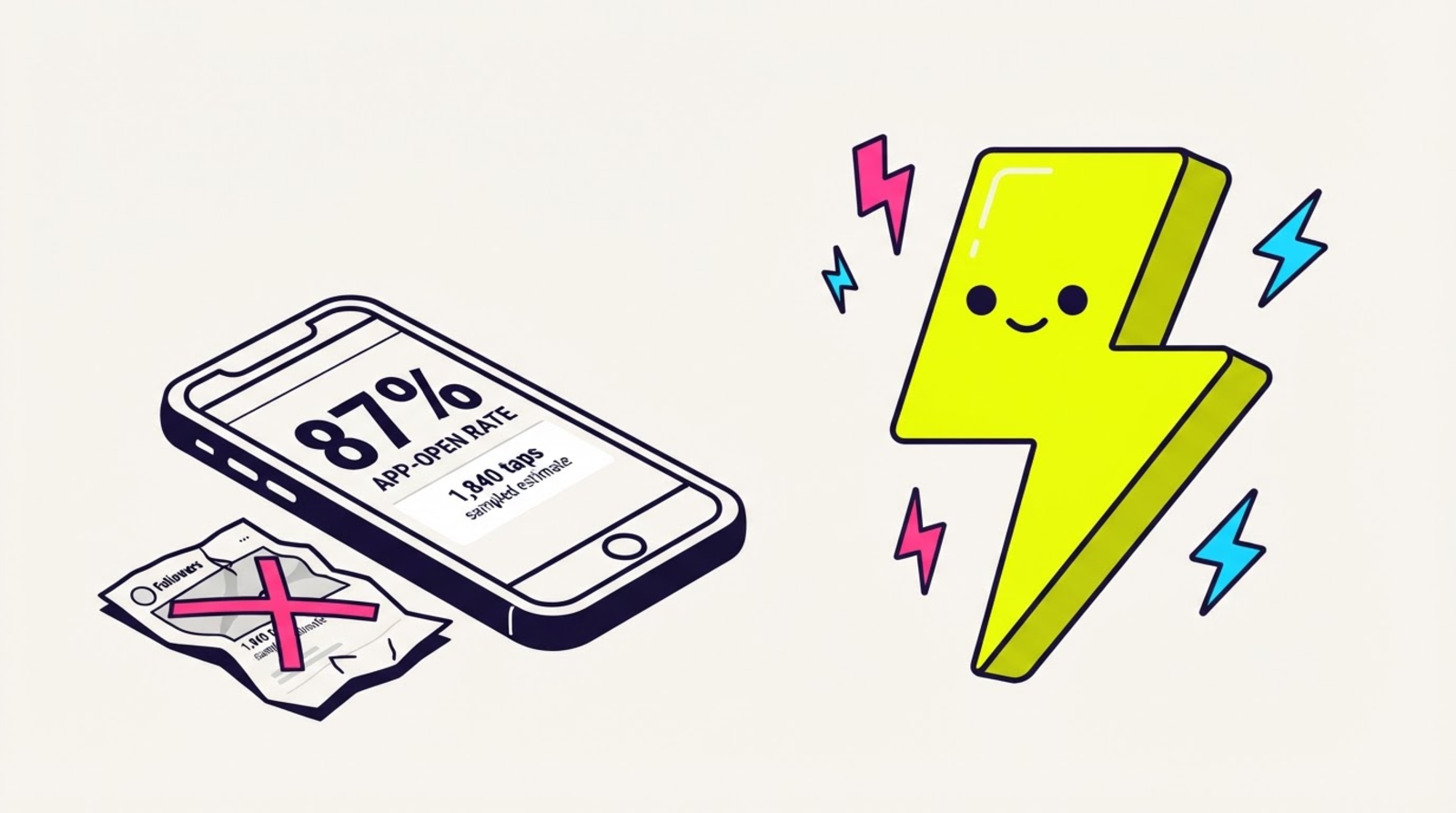
    A public page at zipthe.link/@you/kit showing what your links actually did — led by the share of taps that opened a REAL app, which no follower count can tell anyone. It updates itself, so the brand can reload it after the campaign and check.

    • You pick every number on it, one switch at a time — app-open rate, taps, top platforms, top links, daily trend — and it's private until you say it's live. A switch you leave off isn't hidden; the number isn't in the page's data at all.
    • It can only report on the buttons already on your bio page, so a link you never published can't appear in it.
    • Honest by construction: the page states that its numbers are sampled estimates, shows whole numbers only, renders “—” instead of a fake 0% when nothing's measured, says “not enough data yet” for a new creator, and prints no invented industry benchmarks.
    • Grab the headline as an image for a deck or an email — and if there's nothing measured yet, you get no card rather than a made-up one.
    • Downgrade and a kit you already published keeps rendering; taking it down works on any plan, any time.

    Here's how it looks

    What zipthe.link/@you/kit looks like
  9. A/B split testing — the winner is the one that opens the app
    NEWHero & up

    A/B split testing — the winner is the one that opens the app

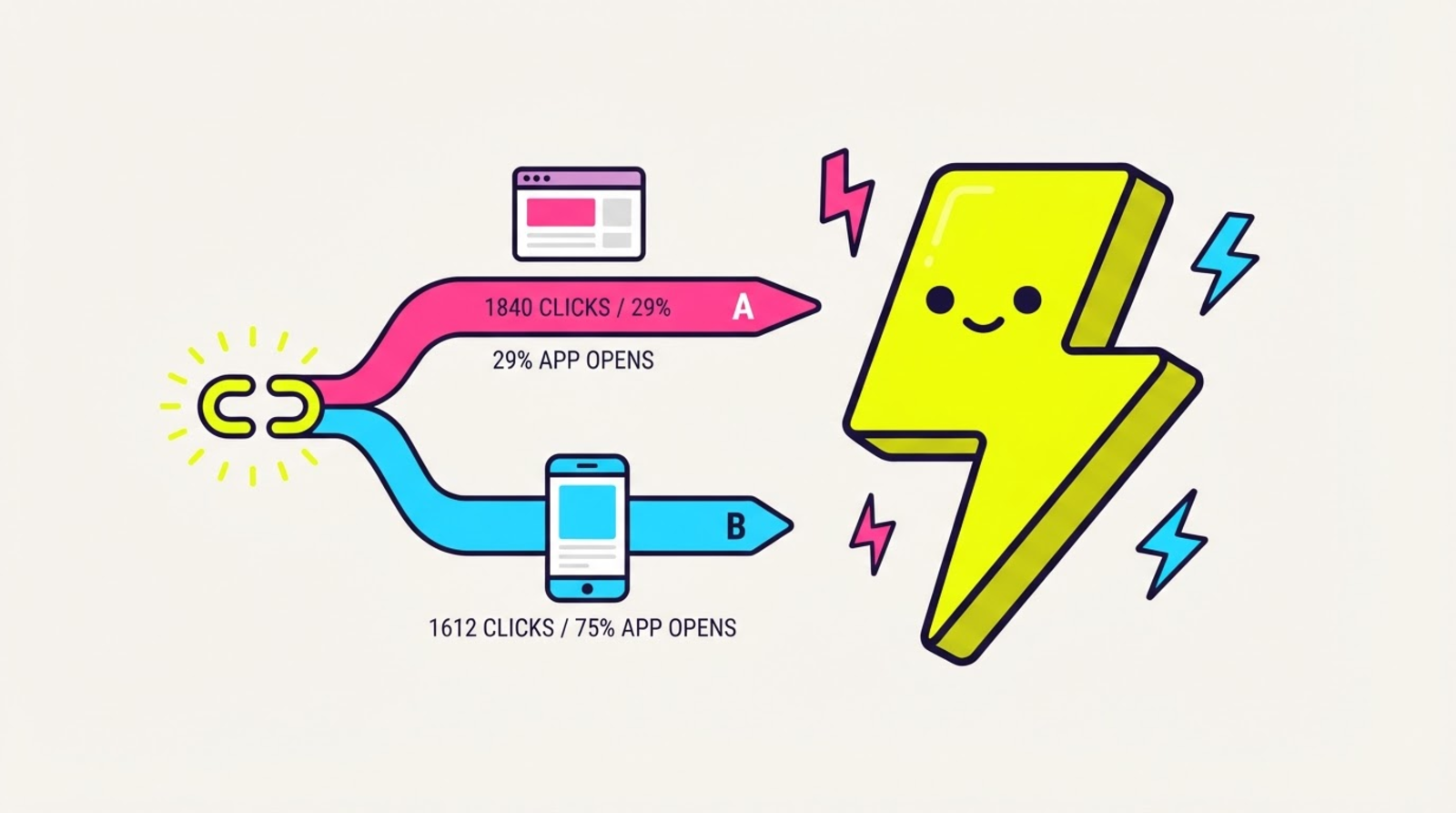
    Race 2–4 destinations on ONE short link, then read the number no other link tool can report: the app-open rate per variant. A landing page can win on taps and still lose on app opens.

    • One link, 2–4 weighted destinations — Zippy hands each visitor one and remembers which, with a live split bar as you set the weights.
    • Per-variant results show clicks AND the share that actually landed in the real native app. Sampled, so read it as a trend — the gap is real, the last digit isn't.
    • Split-test OR route by audience, never both — random assignment and audience assignment on one link would make the result meaningless, so Zippy makes you pick (switching is instant).
    • Your campaign UTMs ride every variant automatically, and ending a test can't kill the link — it just falls back to the default destination.

    Here's how it looks

    What A/B split testing looks like
  10. Email capture — turn a tap into an email you own
    NEWHero & up

    Email capture — turn a tap into an email you own

    Your rich fallback page can now ask for an email. Consent-first, stored with the exact wording they agreed to, and yours to export — the one audience no algorithm can throttle.
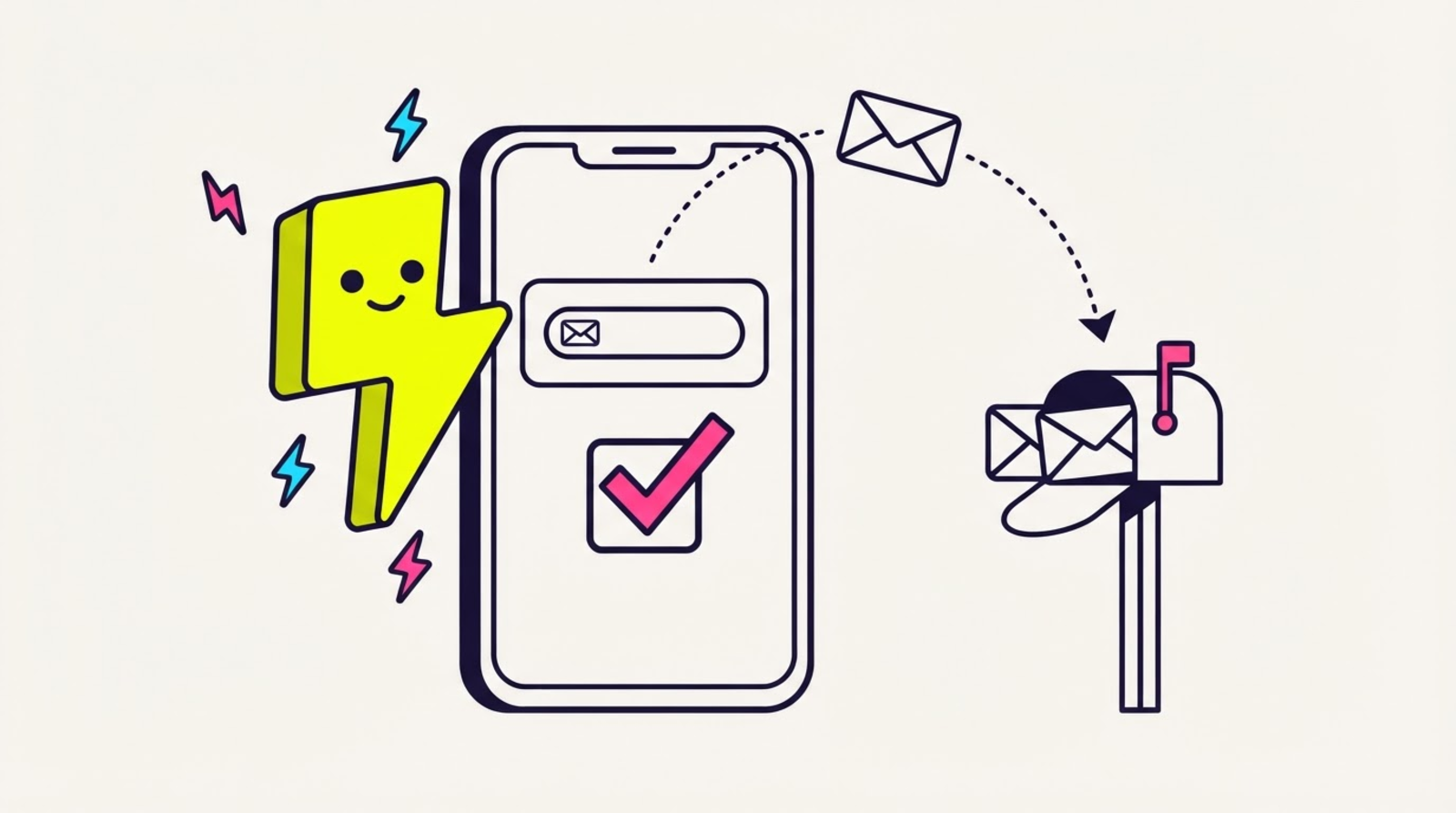
    • The consent box is UNCHECKED by default and required — no consent, nothing stored, no setting to turn that off.
    • The public capture endpoint answers 204 to everything, including duplicates, so nobody can use your form to test whether an address is on your list.
    • Deleting a contact has NO plan gate — erasure works on Free, forever. We'll charge for collecting emails; never for honouring a deletion request.
    • Export the list as CSV (consent text included) or pipe every new contact into your CRM with the contact.captured webhook.

    Here's how it looks

    What Email capture looks like
  11. Audience segments — name your superfans, watch them live
    NEWHero & up

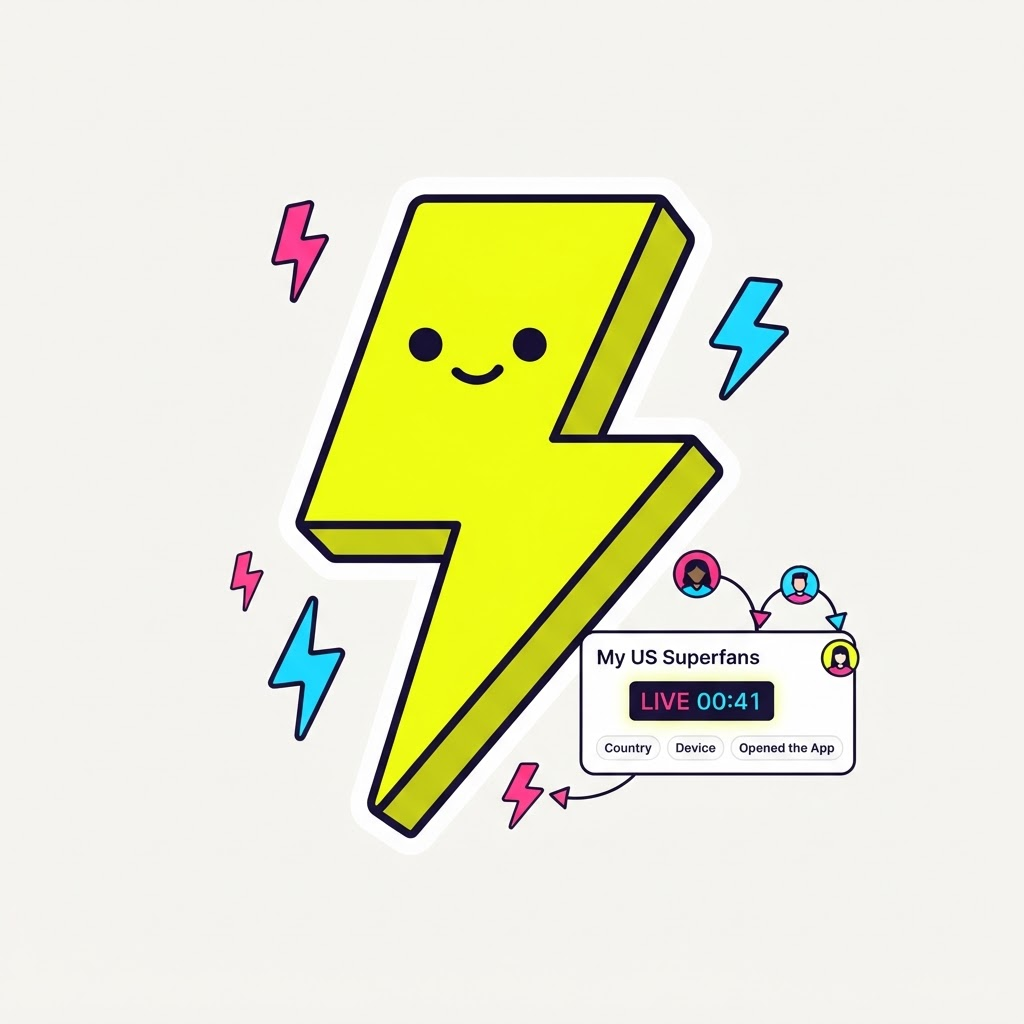
    Audience segments — name your superfans, watch them live

    Save any slice of your clicks — country, device, campaign, and whether the tap actually OPENED the app — as a named segment with a live count and per-link breakdown.

    • Build the slice with live preview counts, then save it — “US · iPhone · opened the app · last 30 days” becomes “My US superfans”.
    • Evaluated fresh from your click analytics every time you look — a saved filter, never a stored list of people.
    • Counts are a sampled rate/trend signal (same honesty as the rest of your stats) — the trend is the truth, not the last digit.
    Here's how it looks

    What Audience segments looks like
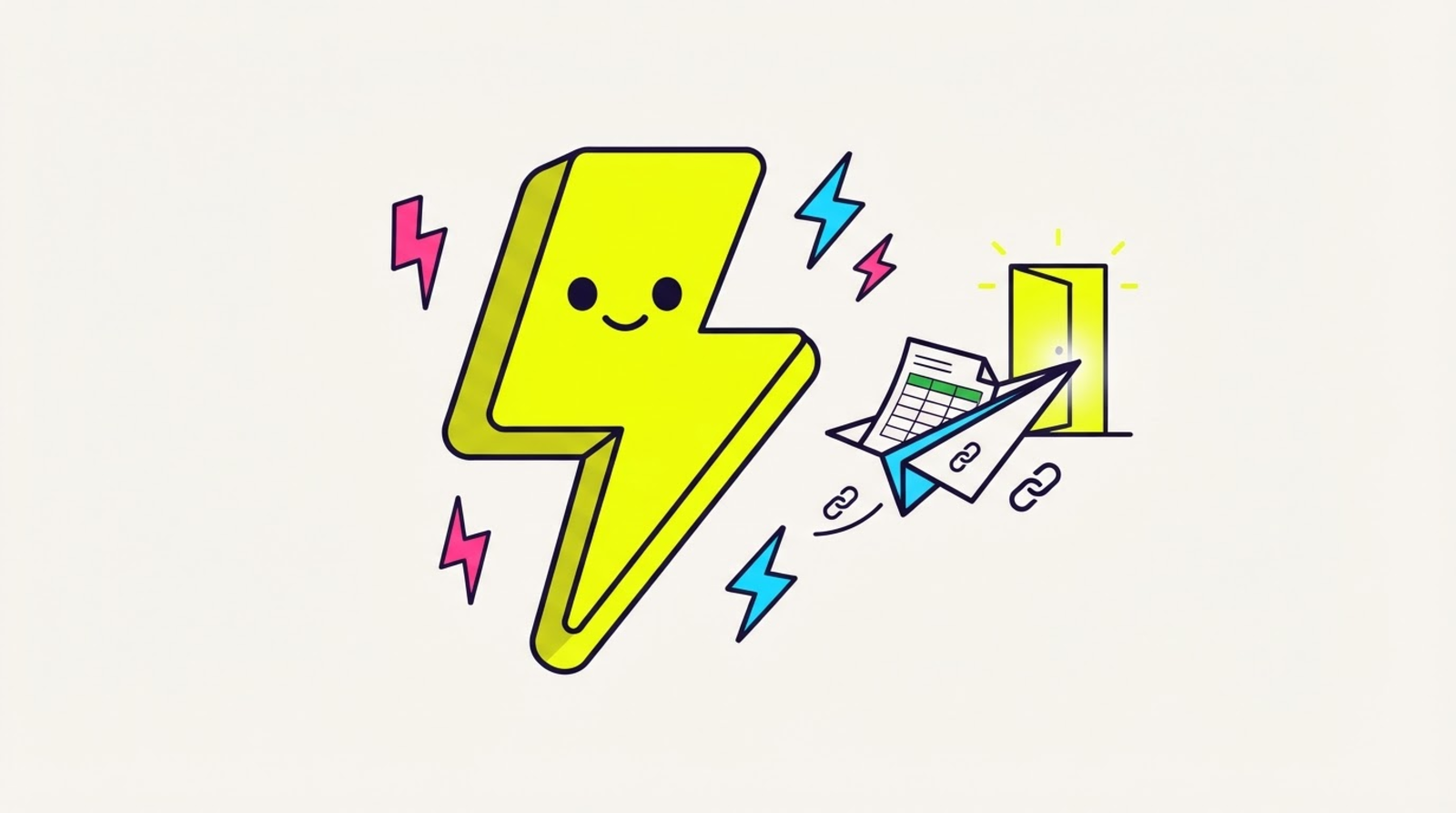
  12. CSV import — switch from Bitly, Short.io, or Dub in one paste
    NEWEveryone

    CSV import — switch from Bitly, Short.io, or Dub in one paste

    Paste your old tool's CSV export and Zippy bulk-zips everything — destinations, slugs (Hero+), and tags — with a preview before anything is created. Free on every plan.

    • Auto-detects Bitly, Short.io, and Dub exports — any CSV with a URL column works too.
    • Dry-run preview shows exactly what lands (and what's broken, line by line) before a single link is created.
    • Hero keeps your original slugs; hit your plan's cap mid-import and Zippy stops and tells you how many are waiting. Legend can export all links back out as CSV.

    Here's how it looks

    What CSV import looks like
  13. App-open receipt — your link stats are now a flex
    NEWEveryone

    App-open receipt — your link stats are now a flex

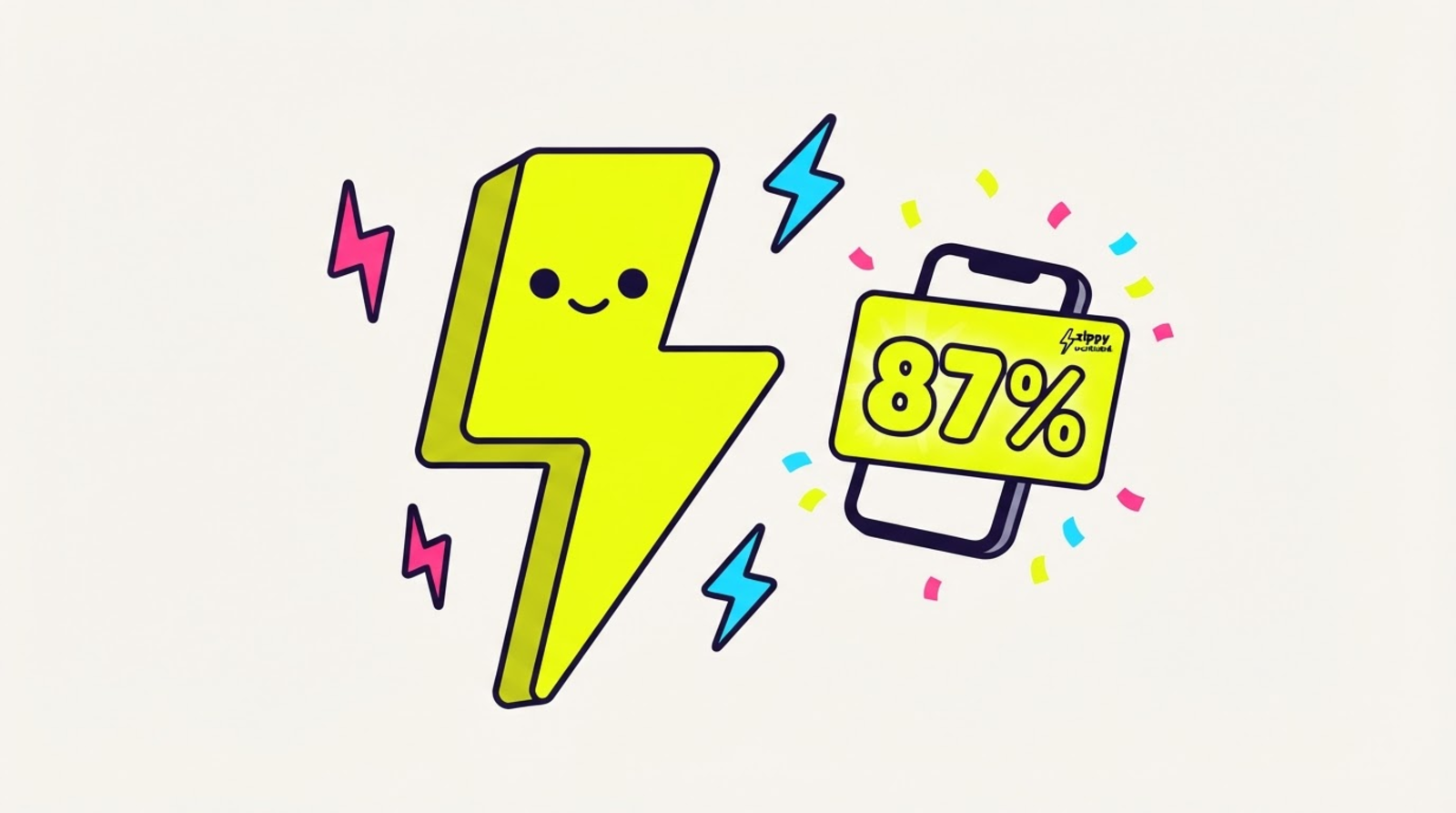
    One tap turns any link's stats into a share-ready brag card: the % of taps that opened the REAL app — honest numbers from real outcomes, free on every plan.

    • The huge number is computed from your link's actual 90-day outcomes — no taps yet means a friendly empty state, never a fake stat.
    • Grab it from the Receipt button on the dashboard, or straight into the share sheet from the mobile app.
    • Every card carries a small zipthe.link corner — that's how the next creator finds out their links could open the real app too.

    Here's how it looks

    What App-open receipt looks like
  14. Webhooks — get pinged when someone actually opens your app
    NEWLegend

    Webhooks — get pinged when someone actually opens your app

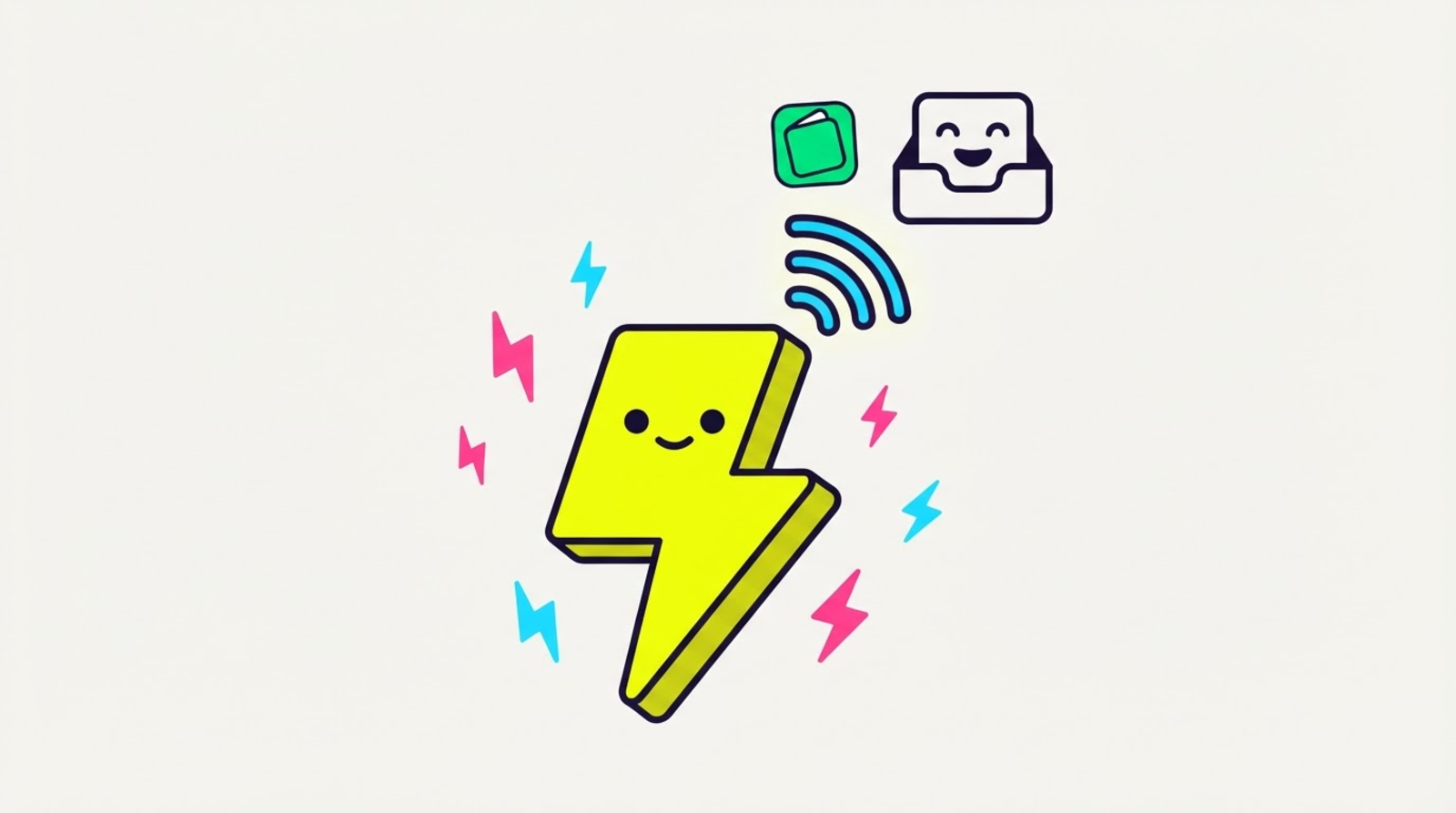
    Push Zippy events to any URL — link created, updated, archived, and the one nobody else exports: whether a tap actually opened the real app, stayed in the browser, or broke.

    • Six events: link.created / updated / archived plus the app-open outcomes — app.opened, app.browser, app.broken.
    • Works with Zapier and Make catch-webhook triggers — a Sheets row per real app-open, zero code.
    • Every delivery is HMAC-signed (x-zippy-signature) so your receiver knows it's really Zippy.

    Here's how it looks

    What Webhooks looks like
  15. Retargeting pixels — every tap on your link feeds your ads
    NEWHero & up

    Retargeting pixels — every tap on your link feeds your ads

    Attach your Meta, TikTok, or GTM pixels to any link and every tap fires them before the redirect — retarget the audience that actually clicked, even from a bio link.

    • Add your pixel IDs once, tick them per link — up to 5 pixels on a link, any mix.
    • Platform links fire them on the interstitial; plain links get a lightning-fast pixel pass-through page.
    • They fire on YOUR behalf, like a page you own — so your privacy disclosures apply.

    Here's how it looks

    What Retargeting pixels looks like
  16. Rich fallback page — no app? Your link still sticks the landing
    NEWHero & up

    Rich fallback page — no app? Your link still sticks the landing

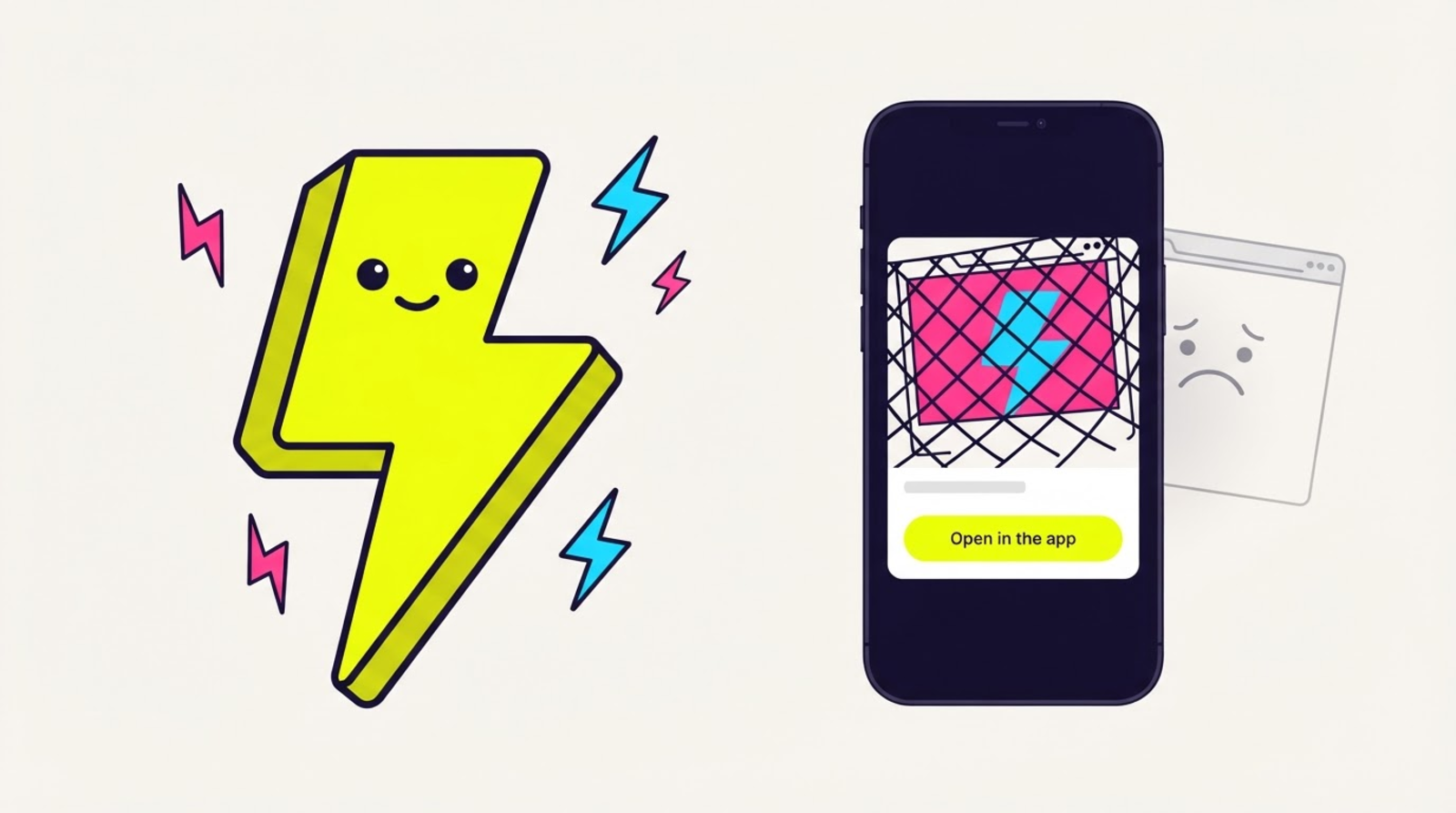
    When someone taps your link and the app isn't installed, Hero links now land on a gorgeous page with a preview card and a one-tap way back into the app — no more bare browser bail.

    • A big “Open in the app ⚡” button re-fires the deeplink the second they've installed — one tap and it bolts.
    • Rather stay in the browser? “Continue in browser” is right there — nobody gets stranded.
    • Your short link never changes and the page is always served fresh — flip it on, share nothing new.

    Here's how it looks

    What Rich fallback page looks like
  17. Custom QR codes — your colours, your logo, your vibe
    NEWHero & up

    Custom QR codes — your colours, your logo, your vibe

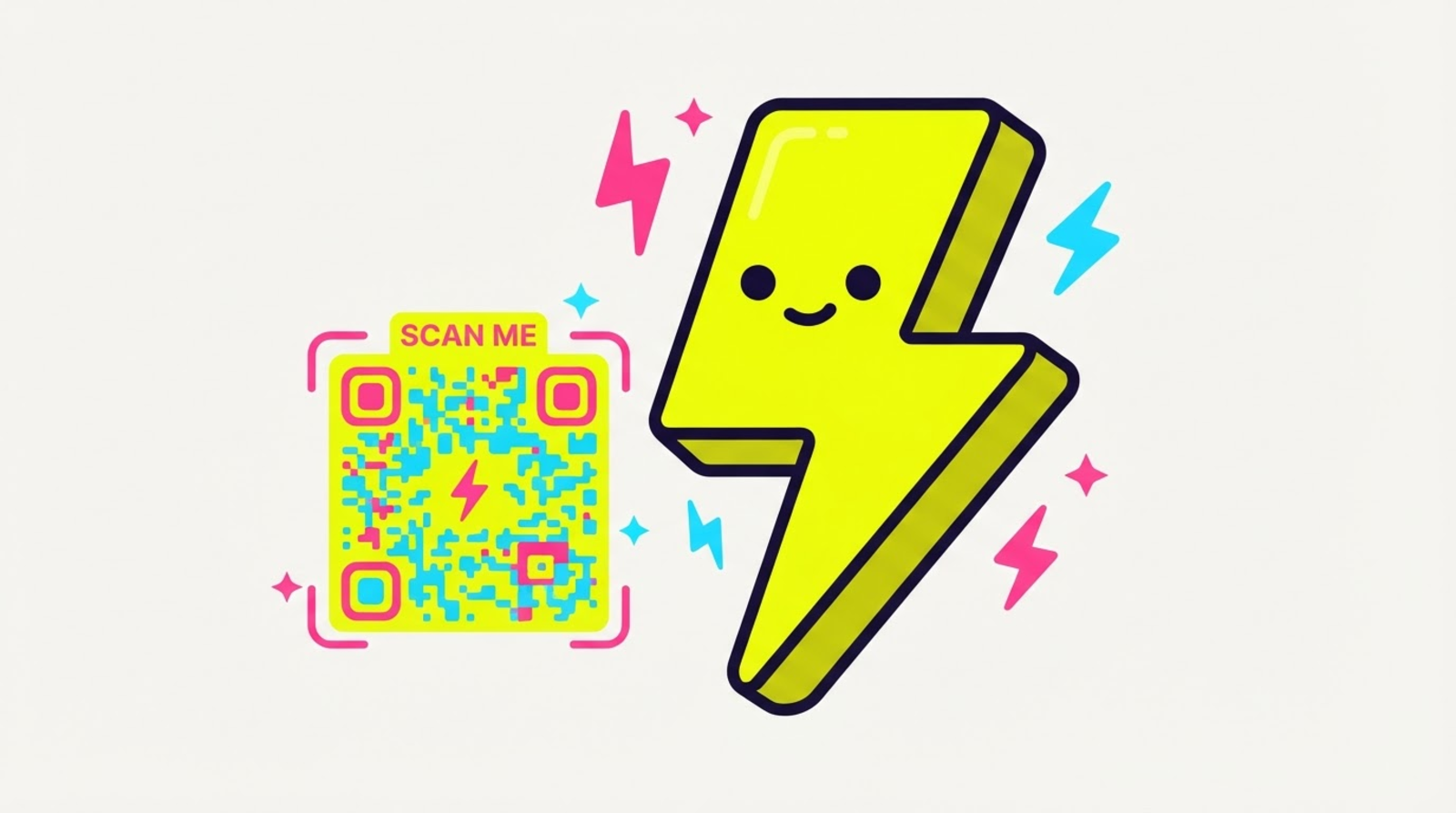
    Dress up any link's QR code — brand colours, the Zippy bolt in the middle, a “Scan me” frame — and download it print-ready. Still opens the real app when scanned.

    • Pick a colour combo, drop the bolt logo in the centre, add a “Scan me” caption.
    • Download as PNG (stories & posts) or crisp SVG (print — stays sharp at any size).
    • The QR still springs the native app on scan — a pretty code that actually works.

    Here's how it looks

    What Custom QR codes looks like
  18. Tags & folders — sort your links by campaign, client, or vibe
    NEWFree & up

    Tags & folders — sort your links by campaign, client, or vibe

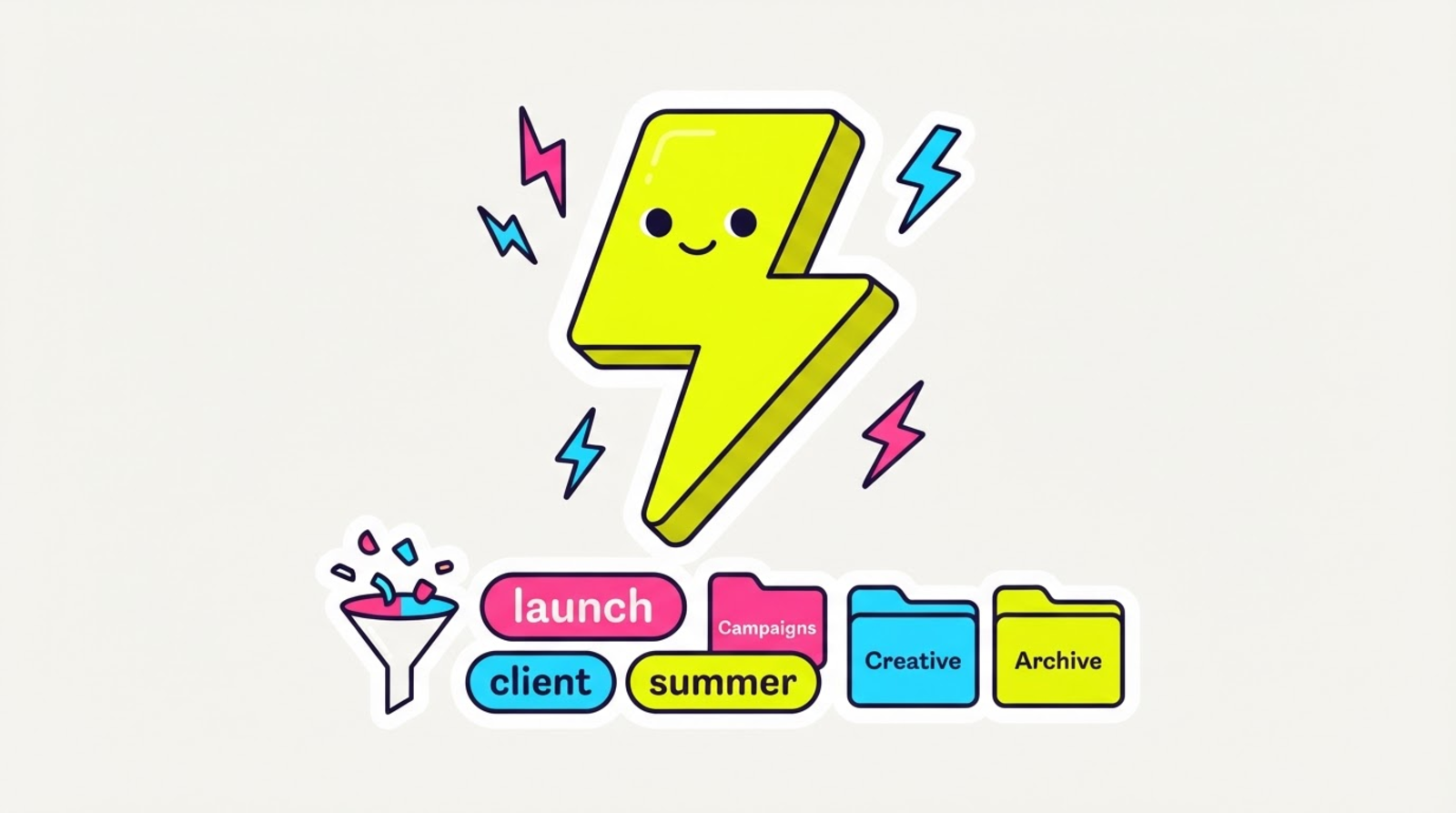
    Tag any link (free, every plan) and group links into folders (Hero) — then filter your dashboard to one tap. Your link list finally scales with you.

    • Up to 10 colour-coded tags per link — the colour comes from the name, so it's consistent everywhere.
    • Folders group a whole campaign's links; delete a folder and the links just become unfiled (they never stop redirecting).
    • Click a tag chip or pick a folder to filter your dashboard instantly — no reload.

    Here's how it looks

    What Tags & folders looks like
  19. Broadcasts — email the people who actually opened the app
    NEWHero & up

    Broadcasts — email the people who actually opened the app

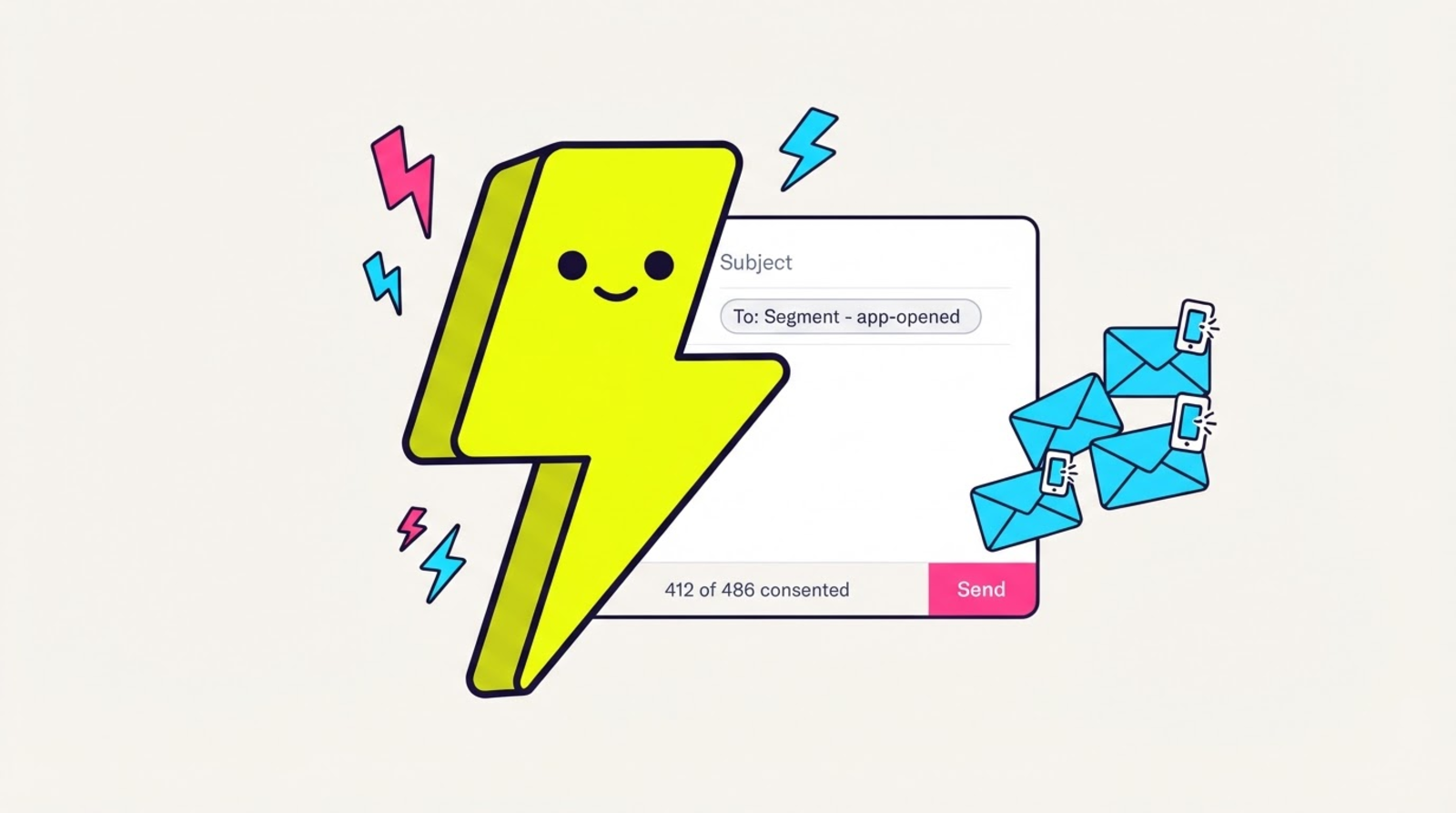
    Pick a saved segment, see the real consented recipient count, send. Every link in it is a Zippy link, so the broadcast reports its own app-open rate — the one number an email tool can't give you.

    • Aim at a saved segment or your whole list, and see who will REALLY get it before you commit — the preview count is the send's own number, after consent and unsubscribes.
    • Consent isn't a checkbox in our UI, it's the shape of the API: there is no “to” or “recipients” field on any broadcast endpoint, so a contact who never opted in can't be reached by any request. It's re-checked per person right before their email goes out.
    • One-click unsubscribe on every message — footer link plus the proper List-Unsubscribe headers, so Gmail and Apple Mail show their own button. Works instantly, on every plan, with no account. Same law as deleting a contact.
    • Sending is asynchronous and resumable. If it dies halfway, retry — the people who already got it don't get a second copy, guaranteed by a database constraint rather than a retry counter.
    • You can't paste a raw URL into a broadcast (bare domains included). That's why the report ends with an app-open count and not just a click count.
    • Honest by default: we show “sent”, not “delivered”, because we don't consume delivery webhooks — and app-open figures are labelled sampled, like the rest of your app-open data.
    • No Instagram DM blast, deliberately. Re-engaging outside Meta's 24-hour window needs permissions we can't verify for your connection, and a restricted account isn't something we can give back. Your DM automations still reply inside the window.

    Here's how it looks

    What New broadcast looks like
  20. Audience routing — one link, the right destination for everyone
    NEWHero & up

    Audience routing — one link, the right destination for everyone

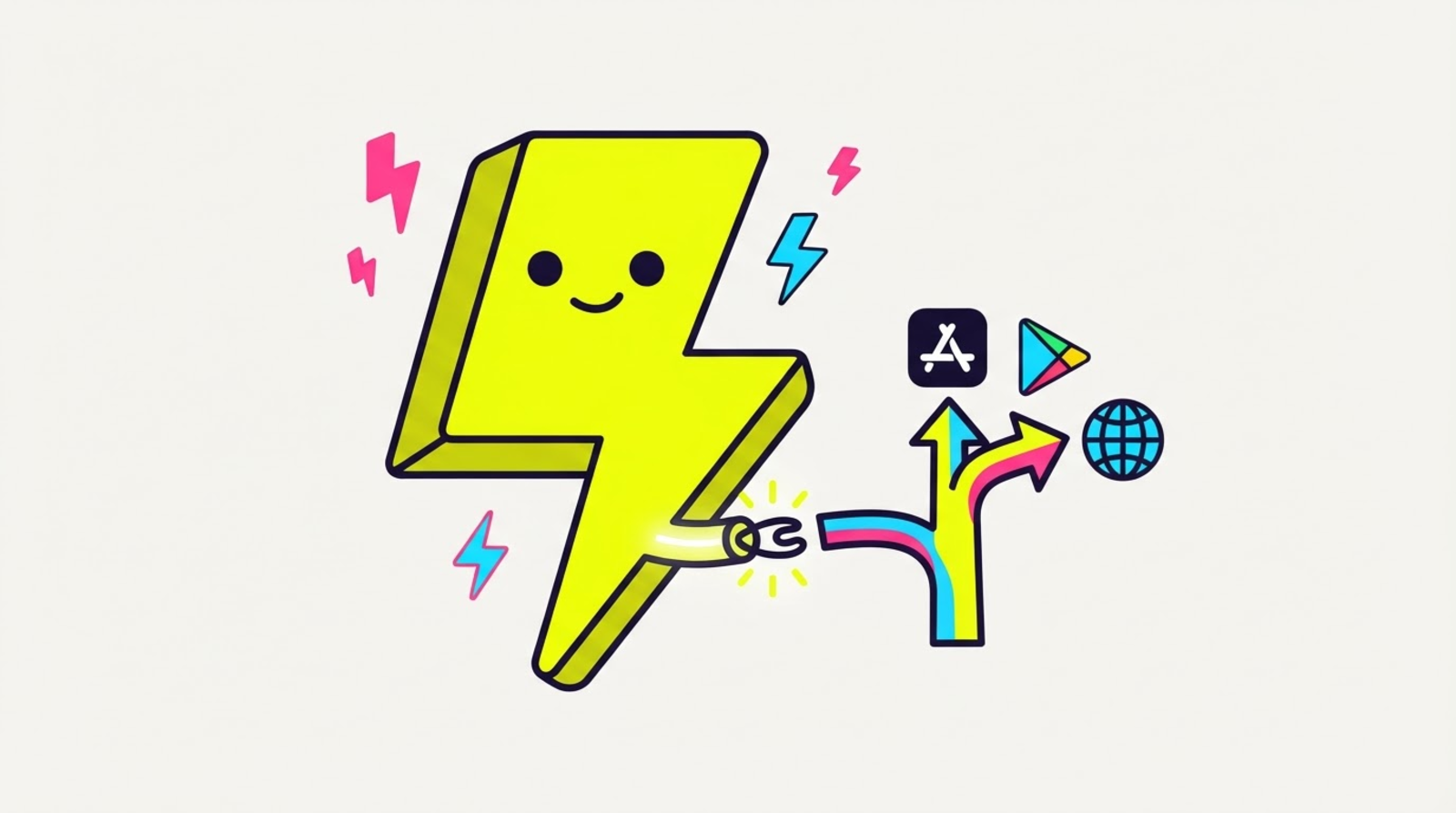
    Send iOS to the App Store, Android to Google Play, the US to your US shop, everyone else to your default — all from a single link.

    • Route by device (iOS / Android / desktop) and by country, resolved the instant someone taps.
    • Device rules win first, then country, then your default — and it still springs the native app.
    • Your campaign UTMs ride every routed destination automatically.

    Here's how it looks

    What Audience routing (geo + device) looks like
  21. UTM builder — know which post drove the taps
    NEWEveryone

    UTM builder — know which post drove the taps

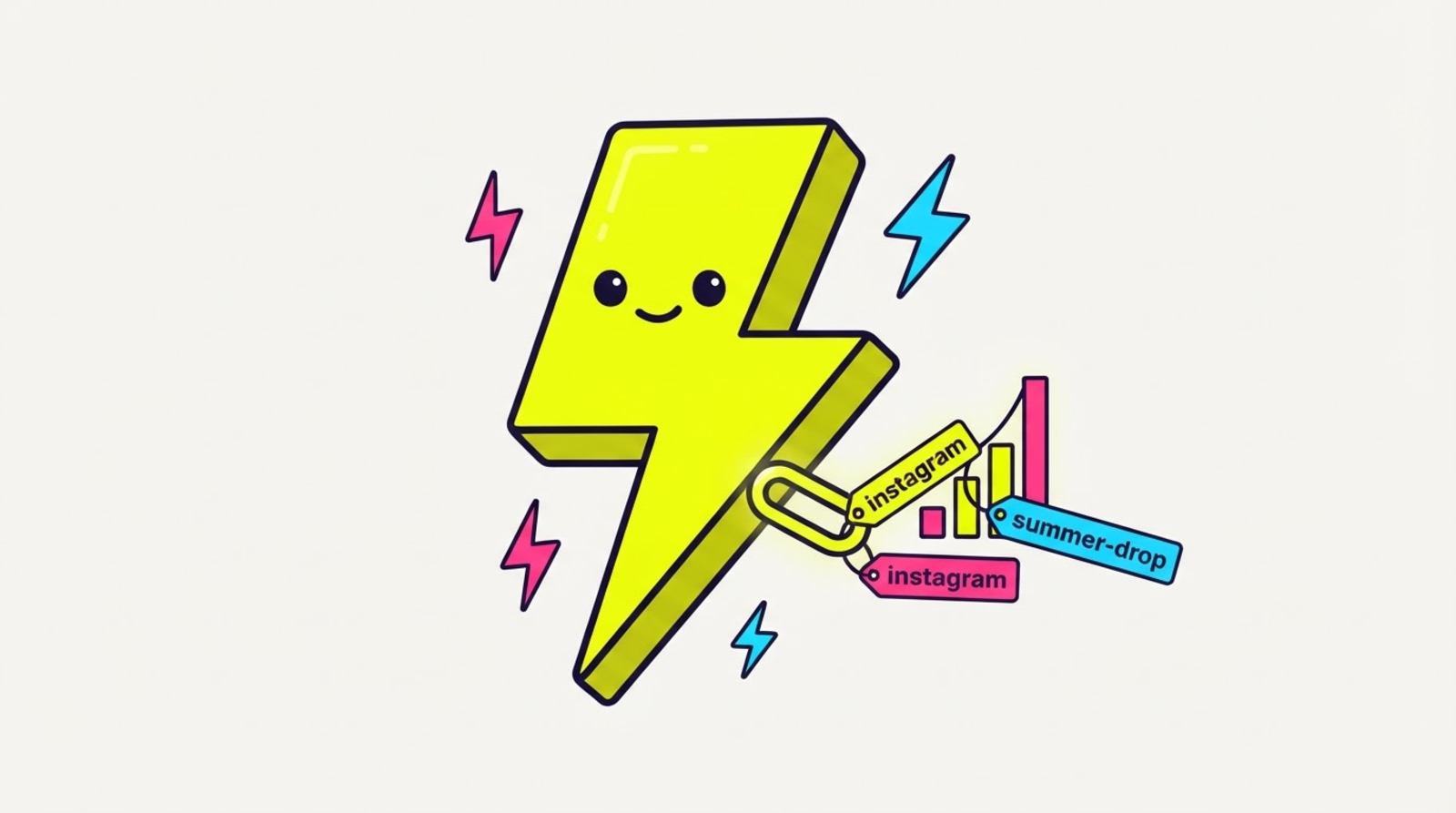
    Tag any link with campaign UTMs right in the ZIP form. Which story, which reel, which drop — finally answerable.

    • Five fields (source, medium, campaign, term, content) with a live preview of the final URL.
    • Edit them anytime — your short link never changes, the tracking updates underneath.
    • Reads straight into your click analytics, so campaigns roll up automatically.

    Here's how it looks

    What Campaign tracking (UTM) looks like