
Your Link-in-Bio Page Has Been Lying to You. Here's the Number It Was Hiding.
Zippy's link-in-bio page is live: every block is a real link through the redirect engine, so a tap springs the actual native app — and you finally see which blocks got people INTO the app, not just which ones got clicked. Free on every plan.
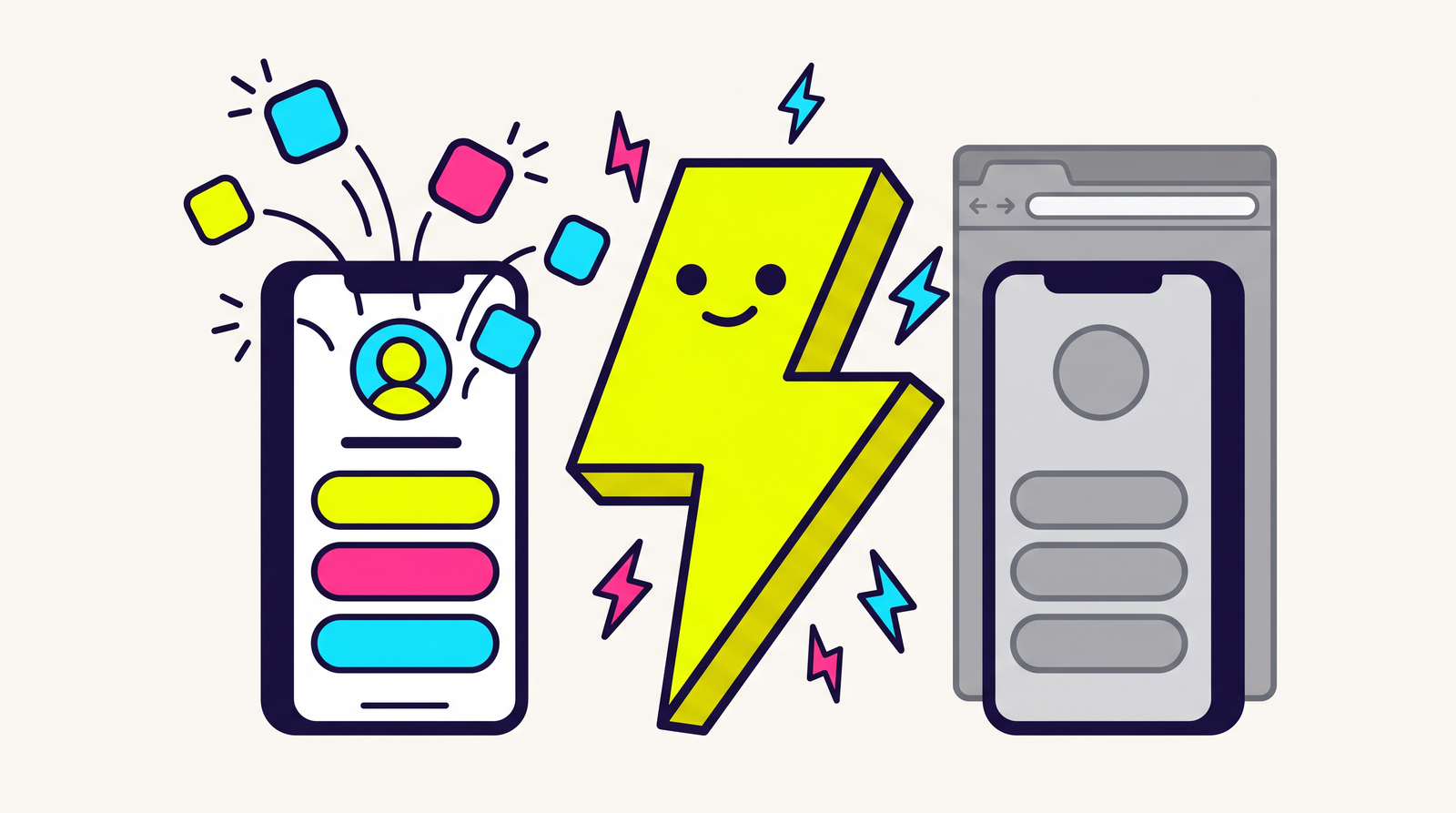

⚡ Zippy: your bio page counts taps. taps are people knocking. nobody's been counting who got let in.
Open your link-in-bio analytics. You've got a column of numbers: 3,120 taps on the video, 1,450 on the preset pack, 210 on the Instagram icon. Feels like data. It tells you which button people reached for.
It does not tell you where they ended up. And on a phone, inside the Instagram app, "where they ended up" is usually a squashed webview with no login, no saved cart, and a back button they press within four seconds.
Zippy's link in bio is live today — free on every plan. It looks like the pages you already know. Underneath, it's built on one decision the other bio-link tools didn't make, and that decision produces a number a click counter can't print.
Say the problem out loud: the in-app browser
Nobody taps your bio link in Safari. They tap it inside Instagram, and Instagram doesn't hand the tap to the phone — it opens its own browser, a webview that lives inside the Instagram app. That webview has its own cookie jar. Your visitor is logged out of the site they're logged into. Their saved card isn't there. YouTube shows them a "sign in" wall for an account they've had since 2014. Extensions don't run, autofill is a coin flip, and the whole thing is one accidental swipe from disappearing.
That's the in-app browser problem, and it is the entire reason Zippy exists. A link-in-bio page is where it does the most damage, because a bio page is nothing but taps that start inside somebody else's app. Linktree gets you a page. The page still dumps every visitor into the webview.
Getting out of it isn't a setting you toggle — it's a per-app hand-off the redirect engine has to fire correctly for every destination (how that works). Which is why a bio block on Zippy is not a URL.
A block on your page is a real link, not a URL
Every other bio tool stores your buttons as URLs. You paste youtube.com/watch?v=…, they render an <a href>, someone taps it, and Instagram's in-app browser renders YouTube-the-website. The tool's job is finished at the anchor tag. It never learns what happened next, because there is no "next" for it to see.
On a Zippy page, a block doesn't hold a URL at all. It points at one of your Zippy links. So a tap goes through the redirect engine, which fires the native app intent — YouTube opens in YouTube, Spotify in Spotify, logged in, with the saved cards and the algorithm that already knows them.
There is no URL field on a block. Not as a limitation we're apologising for — as the thing that makes the rest of this post possible.
The number that falls out of that
Because the redirect engine handles the tap, it also records the outcome: the real app opened, the visitor got stuck in a browser, or the hand-off broke. Roll that up per block and you get your bio page's actual scoreboard:
| Block | Taps | Opened the real app |
|---|---|---|
| Watch the new video | 3,120 | 91% |
| Get the preset pack | 1,450 | 30% |
| 210 | 0% | |
| Merch (new) | 12 | — |
Read that top-to-bottom and you learn something your old dashboard structurally could not tell you. The preset pack gets half the taps of the video and lands a third as well — that's not a traffic problem, that's a destination problem, and you can fix it this afternoon.
Note the bottom two rows, because they're the point of the whole design:
- 0% is a real zero. People tapped, outcomes were recorded, none of them reached an app.
—is not a zero. Twelve people tapped and no outcome has come back yet. Different fact, different symbol. We will never print a 0% we haven't earned.
And the honest caveat, stated on the panel itself rather than in a footnote: these are sampled trends. Clicks and outcomes come from two independently sampled datasets. The gap between 91% and 30% is real. The last digit isn't. We'd rather tell you that than dress up a fake decimal.
Field-by-field: the link-in-bio docs.
Reordering that works without a mouse
Blocks reorder with Move up and Move down buttons. Not a drag handle with a keyboard fallback bolted on later — buttons, from the first commit, on the web and in the app. Tab to one, press Enter, the block moves and your screen reader says so.
Saving replaces the whole list in a single write. There's no per-block position number to drift, so a reorder either lands completely or doesn't happen. And if a block is unfinished, the editor tells you which one instead of silently dropping it to make your save succeed. A block quietly vanishing from your bio page is the worst bug this feature could have. So we made it impossible rather than unlikely.
Nothing here can kill a link
Switch Page is live off: the page hides. Delete the page entirely: the handle frees up.
Neither one touches a single link. Every link that was ever on your page keeps redirecting — forever. Same rule as the rest of Zippy: no expiry field, no click caps, no dead 404s. The QR on last year's poster still works tonight.
Your bio blocks also don't eat your plan's link limit. The page is free on every plan, and "free" would be a strange word for a page whose five buttons consumed a free plan's five links.
What costs money, and what doesn't
The page is free. Every block springs the real app on every plan, and every tap is measured on every plan.
Custom colours are Hero ($19/mo). Per-block app-open rates are Hero, same as the rest of your per-link analytics. Two deliberate details there: saving your page without touching colours never wipes them, and your public page keeps painting the colours you saved even if your plan changes later. A downgrade shouldn't repaint a page your audience already knows.
Try it in about two minutes
- Dashboard → Link in bio (or my bio in the app). Claim your handle.
- Add a link button, pick one of your links, give it button text.
- Put
zipthe.link/@yourhandlein your Instagram bio, like you would any other one. - Come back in a few days and read the app-open column, not the tap column.
Setup and every guardrail: the docs. Shipped today in the changelog.
What to stack on top of it
A block points at a link, so everything a link can do, a block inherits — you don't configure any of it twice:
- Split-test a block. Give that block's link 2–4 destinations and read the app-open rate per variant. The block doesn't change; the thing behind it races.
- Route a block by geo and device. One "Get the app" button that sends iOS to the App Store, Android to Play, and desktop to your site. One block, three answers.
- Show the receipt. The per-block rates and the shareable app-open receipt read the same outcome pipeline — the receipt is that proof in a form you can post.
FAQ
How do I make a link in bio that opens the Instagram app?
Make a Zippy link pointing at the Instagram URL — your profile, a Reel, a post — then add a link button block on your bio page that selects that link instead of pasting the URL. The redirect engine fires Instagram's native app intent, so the tap breaks out of whatever in-app browser it started in and lands in the real Instagram app. Same for TikTok, YouTube and Spotify; drop them in a social row block if you want a row of pills. There's nothing to switch on — it's the default behaviour of a link block, on every plan including free.
What's the difference between Zippy's link in bio and Linktree?
Linktree buttons are URLs, so a tap opens a webpage inside the Instagram browser. Zippy buttons are real links through our redirect engine, so a tap opens the actual native app — and Zippy reports the share of taps on each block that got there. No URL-based bio tool can report that number, because it never sees what happened after the anchor tag.
How do I see which link in my bio performs best?
Open your bio page editor and look at Which block opens the app. It ranks your blocks by app-open rate — the share of taps that landed inside the real app — instead of by raw clicks. Available on Hero and up.
Is a link-in-bio page free on Zippy?
Yes, on every plan, including free. Custom colours and per-block app-open rates are Hero and up. The page itself, and the app-springing that makes it worth having, are free.
Does deleting my bio page break the links that were on it?
No. Deleting the page frees the handle and nothing else. Every link keeps redirecting forever — Zippy has no expiry mechanism to trigger.
Can I reorder my bio links with a keyboard?
Yes. Reordering is Move up / Move down buttons on both web and mobile, so it works with a keyboard, a screen reader, or a switch control — not just a mouse drag.
Do bio page links count against my plan's link limit?
No. Links created for your bio page are excluded from your active-link count, so your page never eats the links you manage by hand.
Stop counting who knocked. Start counting who got in. Claim your handle →