
Schedule the Drop. The Link Still Never Dies.
Scheduled destinations are live on Zippy: line up pre-order → launch → replay on one short link, on a clock. It swaps where the link points — it is never an expiry, because Zippy links don't have one. Hero & up.

⚡ Zippy: setting an alarm for 11:58pm to swap a link in your bio is not a growth strategy. it's a hostage situation.
You know the night. The drop goes live at midnight, the link in your bio points at the pre-order page, and you are sitting there with the app open, thumb hovering, because if you're thirty seconds late a few hundred people hit the wrong page. Then the launch ends and you do it again for the replay.
Scheduled destinations are live on Zippy — Hero & up. Line the whole thing up in advance and go to sleep.
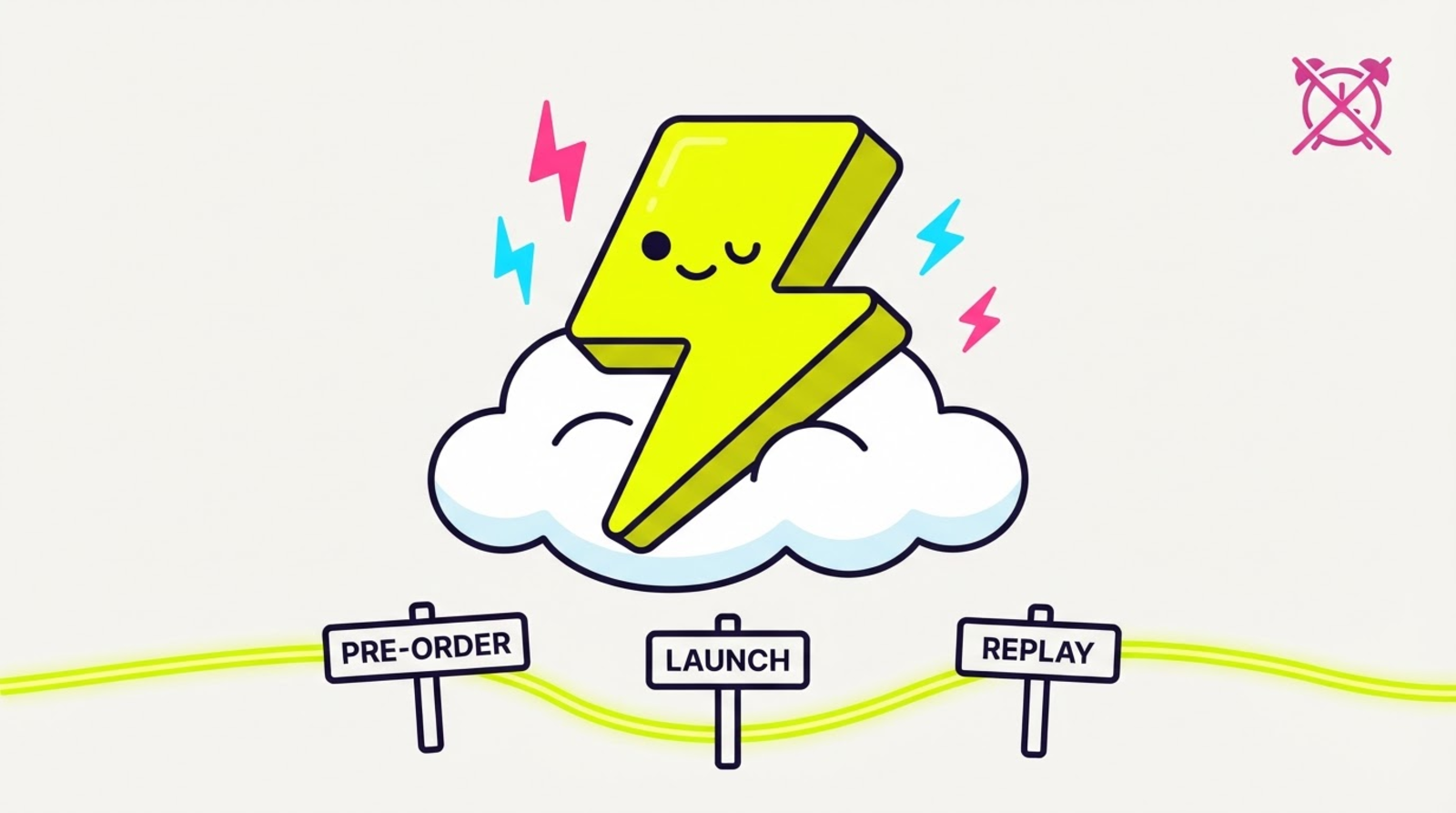
Pre-order → launch → replay, on one link
A schedule is a list of moments and destinations:
| From | Link sends people to |
|---|---|
| now (your default) | shop.com/preorder |
| Fri 00:00 | shop.com/launch |
| Mon 09:00 | youtube.com/watch?v=replay |
One short link. One caption. One QR code on the poster. It walks itself through the drop.
Times are entered in your own timezone, in a plain date-and-time field, because "Friday 9am" means Friday 9am where you are. Up to ten swaps per link. The row above the first swap shows what the link serves before anything fires, so you can see with your eyes that there is no gap.
Here's the part that makes this different
Look at how every other link tool ships this feature. It's called link expiration. You set an end date, and on that date your link dies — 404, or a "this link has expired" page, or a redirect to their homepage with their branding on it.
Zippy doesn't have that field. Not hidden in an advanced panel, not on an enterprise tier. It does not exist.
A schedule here only ever swaps the destination. It cannot stop a link redirecting, cap its clicks, or hand anyone a dead end. Which means:
- There's no end state. Your last scheduled swap is the destination forever, until you decide otherwise. The schedule can't "run out."
- Clearing a schedule is safe. Delete it and the link serves its default destination. Nothing dramatic happens.
- Downgrading is safe. Drop off Hero and your scheduled link keeps redirecting to wherever it last swapped to.
- Last year's QR still works tonight. Because it always does.
This is the permanence guarantee, and every feature we ship has to live inside it. Scheduling was the obvious place to break it — a clock plus a link is one small step from an expiry date — and it's the reason we're saying it this loudly. The absence of an expiry field is a feature. Everyone else sells you a link that can die on a timer. We can't, structurally, and that's the point.
Small detail: https only
Scheduled destinations have to be https://. Audience routing accepts plain http — scheduling doesn't, and the difference is deliberate.
A routing rule is something you set and watch. A scheduled swap fires unattended, at 3am, while you're asleep. We're not going to hand your audience a plaintext page at a moment when nobody's looking. So http:// is refused up front, when you can still fix it, instead of quietly at midnight.
It stacks with the rest of your link
A schedule moves the default destination, so it sits underneath everything else rather than fighting it:
- Audience routing — your iOS and country rules still win for the visitors they match; the schedule governs the default everyone else falls through to.
- A/B split testing — a schedule is independent of the routing-vs-split-test choice, so you can run a test and have the whole thing move on Friday.
- UTMs — composed onto every scheduled destination automatically. Monday's replay link is tagged exactly like Friday's launch link, with no extra work.
The wire format, for the API people
Epoch seconds, stored sorted ascending, latest past entry wins:
{
  "url": "https://shop.com/preorder",
  "slug": "the-drop",
  "sched": [
    { "from": 1785312000, "url": "https://shop.com/launch" },
    { "from": 1785484800, "url": "https://youtube.com/watch?v=replay" }
  ]
}
PATCH a new array to replace the schedule, null to clear it. Full reference in the scheduling docs, and it's in today's changelog.
Go to sleep
Set the swaps on Tuesday. Post the link on Wednesday. Sleep through the launch on Friday. The only thing you have to do at midnight is nothing.
FAQ
Can I schedule a link to change at midnight?
Yes. Open the link's editor, expand Scheduled swaps, add a row with midnight (in your own timezone) and the new destination, and save. At that moment the link starts sending everyone to the new URL. Nobody re-shares anything, and taps on either side of the swap both redirect fine.
Does scheduling make my link expire?
No — and Zippy has no expiry at all. No end dates, no click caps, no dead links. A schedule changes where a link points, never whether it points anywhere. After your final swap the link keeps serving that destination indefinitely.
How do I run a launch countdown with one link?
Set the pre-order page as the link's default destination, then schedule two swaps: the launch page at go-live, the replay page when it's over. Share the one short link everywhere in advance and let it walk itself through the drop.
What does the link do before the first scheduled swap?
It serves its normal default destination — the URL you created it with. A schedule that's entirely in the future changes nothing today, so it's safe to set one up weeks ahead.
What happens if I delete a schedule halfway through?
The link goes back to serving its default destination and keeps redirecting. Nothing breaks, nobody gets a 404, and the short URL never changes.
What plan do I need for scheduled links?
Hero ($19/mo) and up, the same tier as A/B split testing and audience routing. Up to 10 swaps per link.
Schedule the drop. The link outlives the drop. Start zipping →