
Your Link Tool Should Be Something You Can Just Ask
Zippy has built an official MCP server, so Claude, Cursor or any AI assistant can make your links, read your app-open rate and edit your bio page in conversation. Eleven tools, a zip_ key scoped to one workspace, zero dependencies — and no tool that can break a link. Publishing to npm is the last step.
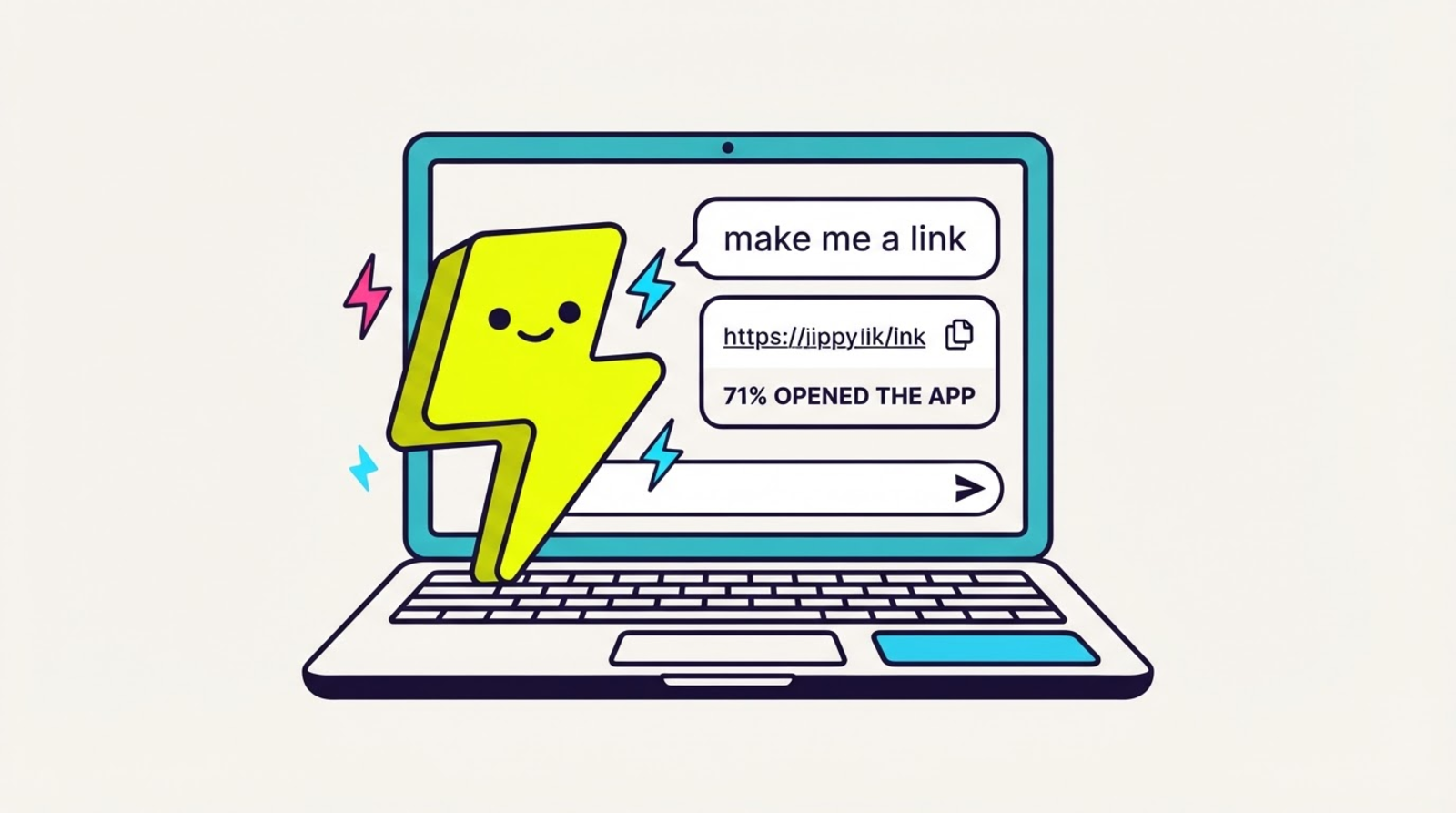

⚡ Zippy: you already talk to an AI all day. weird that you still have to alt-tab to a dashboard to make a link.
Zippy has an official MCP server. It's built, it works, and it is not on npm yet — so read this as here's what's coming and exactly how it behaves, not go install it now. Connect it, and the assistant you're already working in can do the Zippy part of your job without you leaving the conversation:
"Make me a Zippy link for this TikTok, tag it q3-launch, and tell me if people are actually opening the app."
One sentence. Link made, tagged, and checked.
Why this matters more for Zippy than for a shortener
Any link tool could bolt tools onto an AI client. Most of what they'd expose is
create_link and get_clicks, which is a slightly slower way to use a dashboard.
The reason it's different here is the second half of that sentence — tell me if people are actually opening the app. Zippy's interstitial reports back what happened on the device: the tap opened the real native app, got stuck in the browser, or the deep link was broken. That's a number you can hand an assistant and get an actual judgement from, because it says something happened or didn't. "412 clicks" doesn't.
So the tool that matters most in the list isn't the one that makes links. It's
zippy_app_open_stats, and the one next to it — zippy_ab_variants — which reports the
app-open rate per A/B variant. That's how you catch the case that quietly costs
creators money: the destination that wins on clicks and loses on real app opens.
Eleven tools, not twenty-six
The API behind this has 26 endpoints. The MCP server exposes eleven.
That was a deliberate cut. Every extra tool makes an assistant slightly worse at picking the right one, and most of the API — pixel management, webhook subscriptions, audience CSV export, OG overrides — is integration plumbing you set up once in the dashboard, not something you'd ever say out loud. What's left is what people actually ask for: make a link, find a link, re-point a link, is it working, which variant won, and the four that cover a link-in-bio page.
We'll add more when someone asks for one in a chat.
The assistant is told to be honest about your numbers
App-open rates are sampled estimates. That's a real property of how the measurement works, and it doesn't stop being true because an AI is reading it — if anything it gets worse, because a language model asked "how's my link doing" will happily produce a confident "73.4%" from a number that doesn't support one decimal place, let alone that one.
So the honesty rules aren't in our docs hoping you'll pass them along. They're in the tool descriptions, which the model reads before it answers:
- Report whole-number rates and trends, never exact counts, never decimals.
- When there's no data, the rate comes back
null— not zero. The answer is "no data yet". A brand-new link has not been opened by 0% of people; it hasn't been measured. - Don't call an A/B winner on a decimal. Two variants a point apart in a sampled dataset are a tie, and the tool says so.
If your assistant ever quotes you a suspiciously precise app-open figure, it made that up. The tool didn't hand it one.
What it deliberately can't do
It can't break a link. There's no tool for it, because there's no endpoint for it.
zippy_archive_link hides a link and frees a slot against your plan's cap — the link
keeps redirecting, forever, exactly like every other Zippy link. We didn't leave that out
of the MCP server; it doesn't exist anywhere in Zippy. Permanence isn't a setting an
assistant could get wrong.
It can't act outside your workspace. The only credential it sends is your zip_ key,
and a key resolves server-side to exactly one workspace. No tool takes a workspace or
account argument — there is no argument to set. Your plan is re-checked on every single
call, so a downgrade takes effect on the next one, and revoking the key cuts access
immediately with no restart.
It can't overwrite things without asking you. The two tools that hide or replace something refuse to run unless the assistant passes explicit confirmation, which means it has to come back and check with you. Without it, no request reaches Zippy at all. This matters most for the bio page: its block list is replaced wholesale, so "add a button" is one bad call away from "delete every other button."
And it has zero dependencies. The server is the protocol, fetch, and the tool list —
nothing else. It runs on your laptop next to your API key, and every dependency we didn't
add is supply-chain surface that credential doesn't have.
Setting it up (when it lands)
@zippy/mcp isn't published yet, so there's nothing to npx today — we'd rather say that
than show you an install that 404s. When it's on npm, the whole setup is: mint a key in
Settings → API keys (Legend plan), then point your MCP client at the server:
{
  "mcpServers": {
    "zippy": {
      "command": "npx",
      "args": ["-y", "@zippy/mcp"],
      "env": {
        "ZIPPY_API_KEY": "zip_your_key_here",
        "ZIPPY_API_URL": "https://api.zipthe.link"
      }
    }
  }
}
Restart the client and say "check my Zippy account". The tool list and the key-scoping details are in the MCP server docs, which is also where the install lands the day we publish.
FAQ
Can I use my link shortener from Claude?
Soon, with this one. Zippy's official MCP server is built and working — Claude Desktop, Claude Code, Cursor or any other MCP client will be able to create links, re-point them, read app-open rates and edit your link-in-bio page in conversation. It isn't published to npm yet, so there's no install to run today; the MCP server docs carry the config and will say so the moment that changes.
How do I connect Zippy to Claude Desktop or Cursor?
Not yet — @zippy/mcp isn't on npm. Once it is: mint a key in Settings → API keys
(Legend plan), add a zippy entry to claude_desktop_config.json or .cursor/mcp.json
with ZIPPY_API_KEY and ZIPPY_API_URL in its env, restart the client and say "check
my Zippy account" — that runs zippy_whoami and reports the workspace and plan the key
resolves to.
Can an AI assistant tell me whether people actually opened my app?
Yes, and this is the tool no other link server can expose. zippy_app_open_stats returns the
share of taps that reached the real native app versus the ones stuck in an in-app browser
or outright broken, and zippy_ab_variants splits that per A/B
variant. Those numbers are sampled, and the
tool descriptions tell the assistant to quote whole numbers and to say "no data yet" rather
than inventing a 0%.
Can an AI assistant break or delete my links?
No. There is no tool — and no endpoint on the API behind it — that stops a published Zippy
link from redirecting. zippy_archive_link hides a link and frees a plan slot; the link keeps
working. The two tools that hide or replace something also refuse to run until your assistant
passes an explicit confirmation, so it has to ask you first.
Can it reach someone else's Zippy account?
No. One key resolves server-side to exactly one workspace, and no tool takes a workspace, org or account argument — there's no argument to aim elsewhere. Your plan is re-checked on every call, and revoking a key cuts access on the next one.
Related
- MCP server docs — setup, every tool, key scoping.
- The Zippy API — the HTTP surface underneath it.
- Webhooks — push instead of asking. An assistant should never poll.
- A/B testing and link in bio — the two features most worth driving from a conversation.
- The app-open receipt and your media kit — the same app-open proof, made shareable.
- Every link tool has an API. This one tells your automation whether the app opened.
- Stop sending brands a screenshot of your follower count
- Changelog: The MCP server