
Audience Segments: Stop Guessing Who Your Superfans Are
Save a slice of your audience — country, device, and whether they actually opened the app — as a named segment, and watch its live count and per-link breakdown. Hero & up.
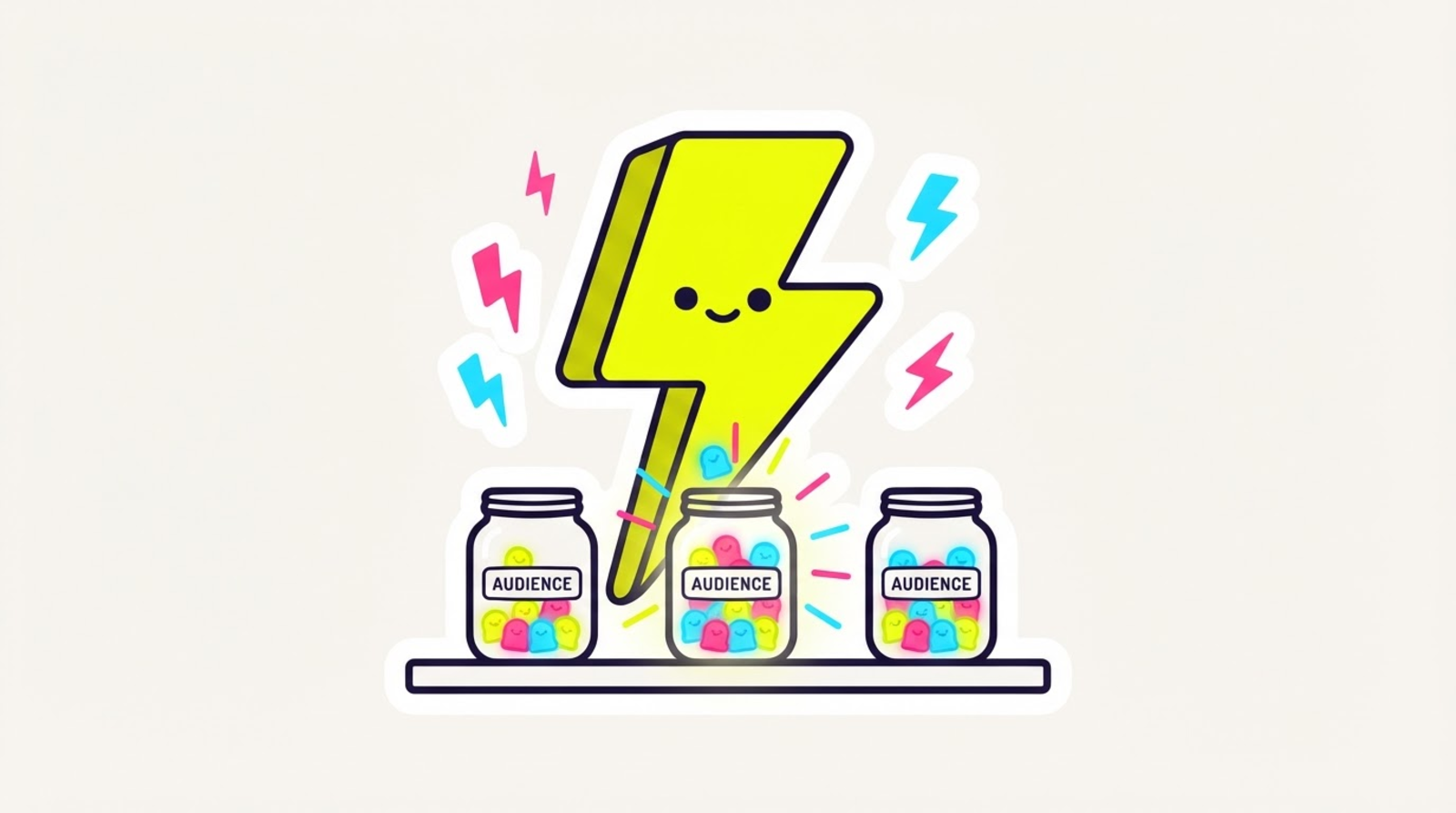

⚡ Zippy: you keep saying "my audience" like it's one blob. it's not. some of them are US iPhone people who open your app every time. name that slice. watch it grow. that's a segment.
You know your follower count. You know your click count. But ask yourself: how many of my taps are US, on iPhone, and actually ended up inside the real app? Until today that answer took a spreadsheet and a prayer. Now it's a saved segment: audience segments are live on Hero & up.
What's a segment?
A named, reusable filter over your clicks. Pick your slice — country, device, iPhone vs Android, source platform, campaign, and the big one: whether the tap actually opened the native app — give it a name like "My US superfans", and save it. Every time you open it, Zippy evaluates it live: a total count, plus a per-link breakdown of which links that audience is tapping.
No more re-building the same filter every Tuesday. Save the question once, get a fresh answer forever.
The filter a click tool can't offer
Every tool can tell you who clicked. Zippy's redirect engine also records what happened after the tap: did it open the real app, fall back to the browser, or break? So you can build segments like:
- "Actually opened" — taps that landed inside the real Instagram / TikTok / Spotify app. Your true fans.
- "Browser drop-offs" — taps that stayed in a web tab. Your fix-it list.
- "US · iPhone · opened · last 30 days" — the superfan slice, precisely.
ManyChat knows who commented. We know who opened. Different question, better answer.
How to use it
- In the dashboard, open Audience → Segments and hit New segment.
- Pick your filters — the count previews live while you tweak, before you save anything.
- Name it, save it, and check back whenever — after a drop, after a reel, after a campaign.
One honest note, same as the rest of Zippy's analytics: counts come from a sampled analytics engine, so at high volumes a segment's number is a rate and trend signal, not a to-the-tap tally. The trend is the truth; the last digit isn't the point.
And a privacy note that doubles as a flex: a segment stores the rules, never a list of people. No person-level tracking, no creepy roster — just your own click data, sliced smart.
What's coming
This is the first brick of Zippy's audience tools. Today a segment tells you who your audience is; soon you'll be able to do things with it. Segments you save now carry forward.
The second brick already landed: email capture lets your fallback page ask for an email, consent-first, so knowing who your audience is turns into being able to reach them.
Audience segments are a Hero power, in the web dashboard today (mobile's coming). Every field and filter is in the segments docs, and the day it landed is in the changelog.
The gist
Stop guessing who your audience is. Slice it, name it, watch it live — and finally know your superfans by more than vibes. ⚡
Ready? Start zipping →