
Custom QR Codes That Open the Real App
Zippy's QR codes now come in your brand colours, with the Zippy bolt in the middle and a Scan me frame — download print-ready, and they still open the native app when scanned.
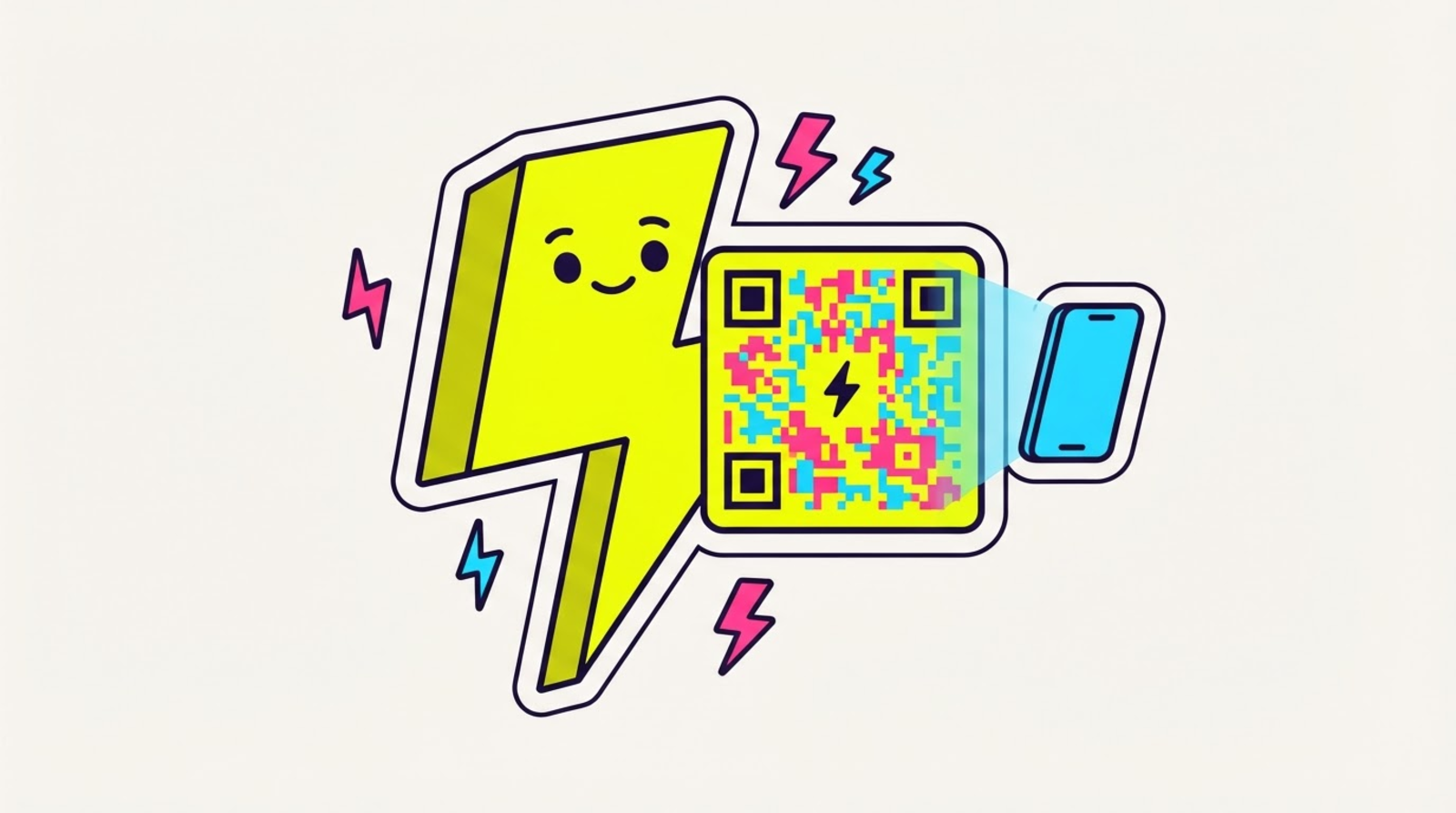

⚡ Zippy: a QR code should look like YOU, not like a spreadsheet. pick your colours, drop my bolt in the middle, print it big. it still opens the real app when someone scans it.
Every Zippy link already has a QR code — put it on a flyer, a story, a sticker, a table tent, and anyone can scan straight to your link. But until now that QR was plain black-and-white. Today it gets a glow-up: custom QR codes.
Make it yours
- Brand colours. Pick a combo — Classic, Volt, Magenta, Cyan, or Midnight. Every option stays high-contrast, so it always scans.
- The Zippy bolt in the middle. Drop the ⚡ logo dead-centre. Zippy automatically bumps the error-correction so the logo never breaks the scan.
- A "Scan me" frame. Add a captioned frame with your own words (up to 24 characters) so people know to point their camera at it.
Preview it live, tweak until it's right, and download.
Two formats, both print-ready
- PNG — perfect for stories, posts, and screens.
- SVG — perfect for print. It's vector, so it stays razor-sharp at any size: a business card or a six-foot banner, same crisp code.
Here's the Zippy part
However pretty you make it, the QR still encodes your Zippy short link. So when someone scans it, it does the one thing Zippy is for: it opens the native app — the real Instagram, TikTok, YouTube, Spotify app — instead of a sad web tab. Out of the camera, out of the in-app browser, into the app.
And because a QR encodes the short link (which never changes), a printed code keeps working forever — even if you later re-point where it goes with living links. Print once, update the destination whenever.
How to use it
Open any link's QR button in the dashboard. You'll see a live preview and the controls: pick a colour, toggle the bolt logo, add a frame, and hit Download PNG or Download SVG. Basic black-on-paper QR is free on every plan; the custom colours, logo, and frame are a Hero power.
The gist
Your QR, your colours, your logo — downloaded print-ready, and still opening the real app on every scan. Every option is in the QR code docs, and it shipped here in the changelog. Put it on everything. ⚡
Ready? Start zipping →