
Switch to Zippy in One Paste: CSV Import from Bitly, Short.io, and Dub
Zippy now imports your links straight from a Bitly, Short.io, or Dub CSV export — destinations, slugs, and tags included. Free on every plan, with a preview before anything is created.
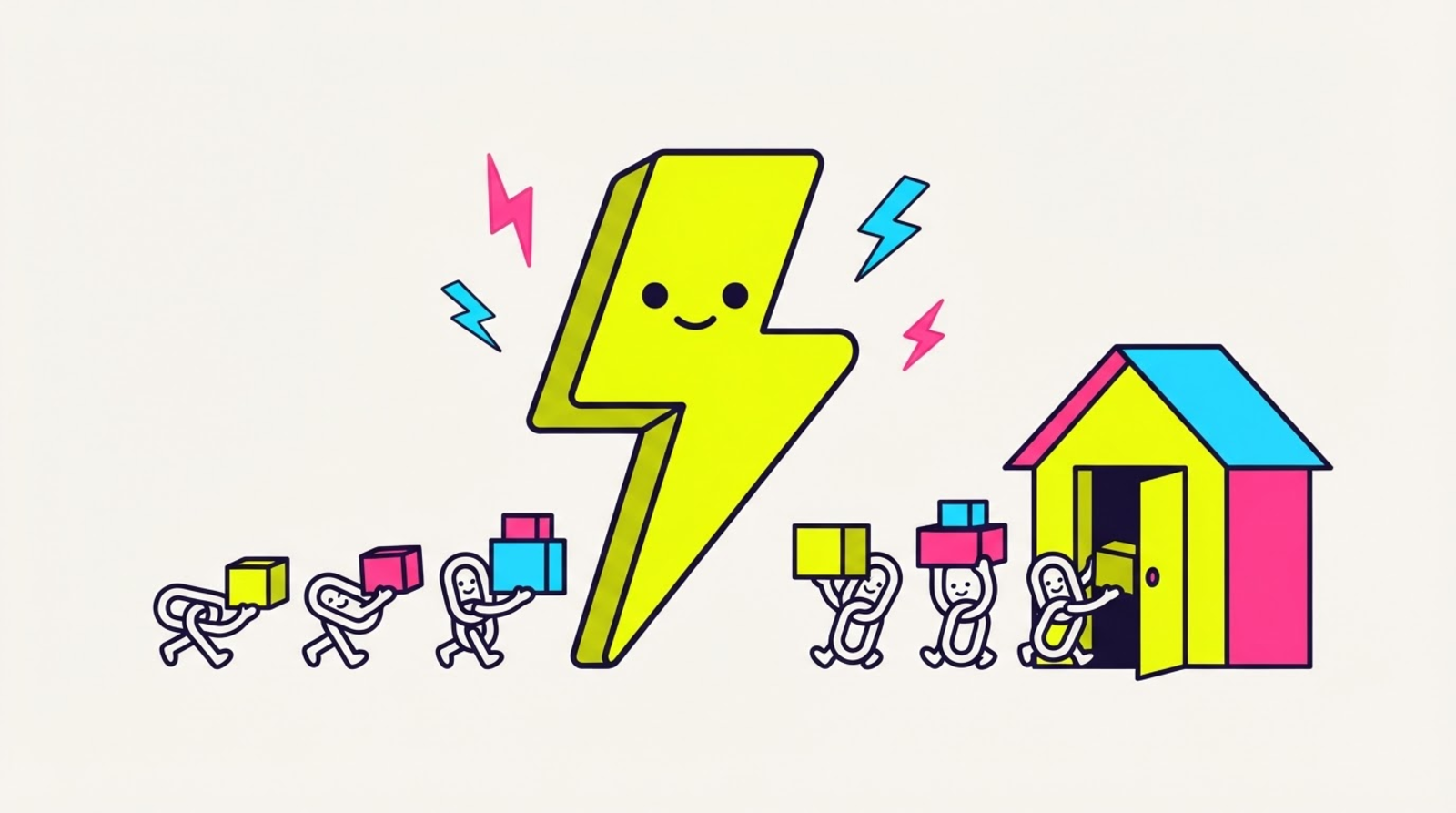

⚡ Zippy: moving is supposed to be painful. not here. export your links from the old place, paste, done. your links, your slugs, your tags — and now they open the real app.
The number one thing we hear from creators who want to switch: "but I have 400 links over there." Fair. Nobody's re-typing 400 links. So today the moving truck pulls up: CSV import — paste or upload your export from Bitly, Short.io, Dub, or any CSV with a URL column, and Zippy bulk-zips the lot.
One paste, the whole move
- Export your links from your old tool (each one has a CSV export — details below).
- Open Import in the Zippy dashboard and paste (or upload) the file.
- Zippy shows a preview first: how many links will land, any broken rows (line by line), and whether your slugs come along. Nothing is created yet.
- Hit Import. Done. Every link is a full Zippy link from the first tap.
And here's the part that makes the move worth it: every imported link now does the Zippy thing — it opens the real native app instead of stranding your audience in an in-app browser. Same links, better physics.
Where your old tool hides the export
- Bitly: bitly.com → Links → the Export button at the top of the list → CSV.
- Short.io: app.short.io → Links → ⋯ menu → Export links → CSV.
- Dub: app.dub.co → Links → ⋯ menu (top right) → Export as CSV.
- Anything else: any CSV works — Zippy just needs a column with the destination URL. Slugs and tags hop in if we find them.
Zippy auto-detects which tool the file came from, so you don't map columns or read a migration guide. Paste, preview, go.
What comes along
- Destinations — obviously.
- Slugs — on Hero and up,
bit.ly/summer-dropbecomeszipthe.link/summer-drop. Even if the slug cell is the full short URL, we strip it down for you. - Tags — comma, semicolon, or pipe separated, they all work.
Import is free on every plan — your plan's link cap is the only limit. On Sidekick (free), imports land with fresh random slugs and count toward your 5 links; Hero keeps your original slugs with no cap. Hit the cap mid-import? Zippy stops, tells you exactly how many made it and how many are waiting, and finishing is one upgrade + one re-paste away. Nothing is lost.
The preview is the point
The dry run means you can paste your entire Bitly history just to look: which rows would land, which are broken (empty URLs, not-actually-URLs — every export has a few), and whether your slugs survive. Zero commitment, zero writes. Import when it looks right.
The door swings both ways
We'd be hypocrites shipping an import with no exit. Legend plans can export every Zippy link as a clean CSV — slugs, short URLs, destinations, tags, folders, dates. Your links are your data; take them anywhere, anytime. That's the open-source posture applied to your account.
The gist
Your links are the moat your old tool thinks it has. It's wrong. Export, paste, preview, import — and every link you've ever made starts opening the real app. Welcome to the new place. ⚡
Full walkthrough per tool in the import docs, and the ship note is in the changelog. Ready? Start zipping →